# Portal Console
Source: https://docs.quake.ai/docs/account/portal
Markdown: https://docs.quake.ai/docs/account/portal.md
---
# Portal console
The Quake AI portal at `portal.rumble.cloud` is the management interface for your account, organizations, projects, teams, billing, and help desk. The portal is separate from the cloud console (for example `sky.us-east-1.rumble.cloud`) where you manage infrastructure resources.
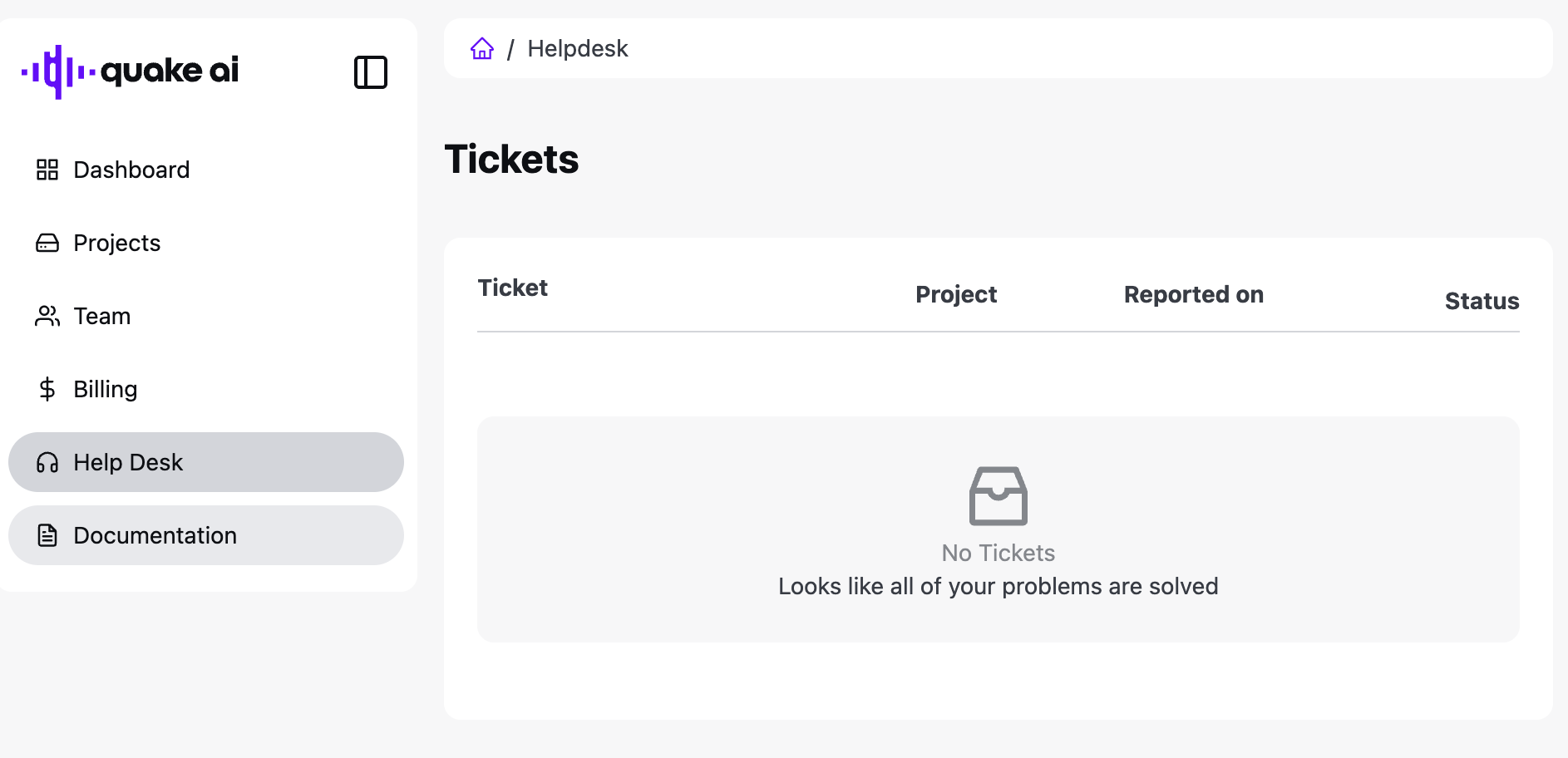
Left navigation: **Dashboard**, **Projects**, **Team**, **Billing**, **Help Desk**, **Documentation**.
## Portal dashboard
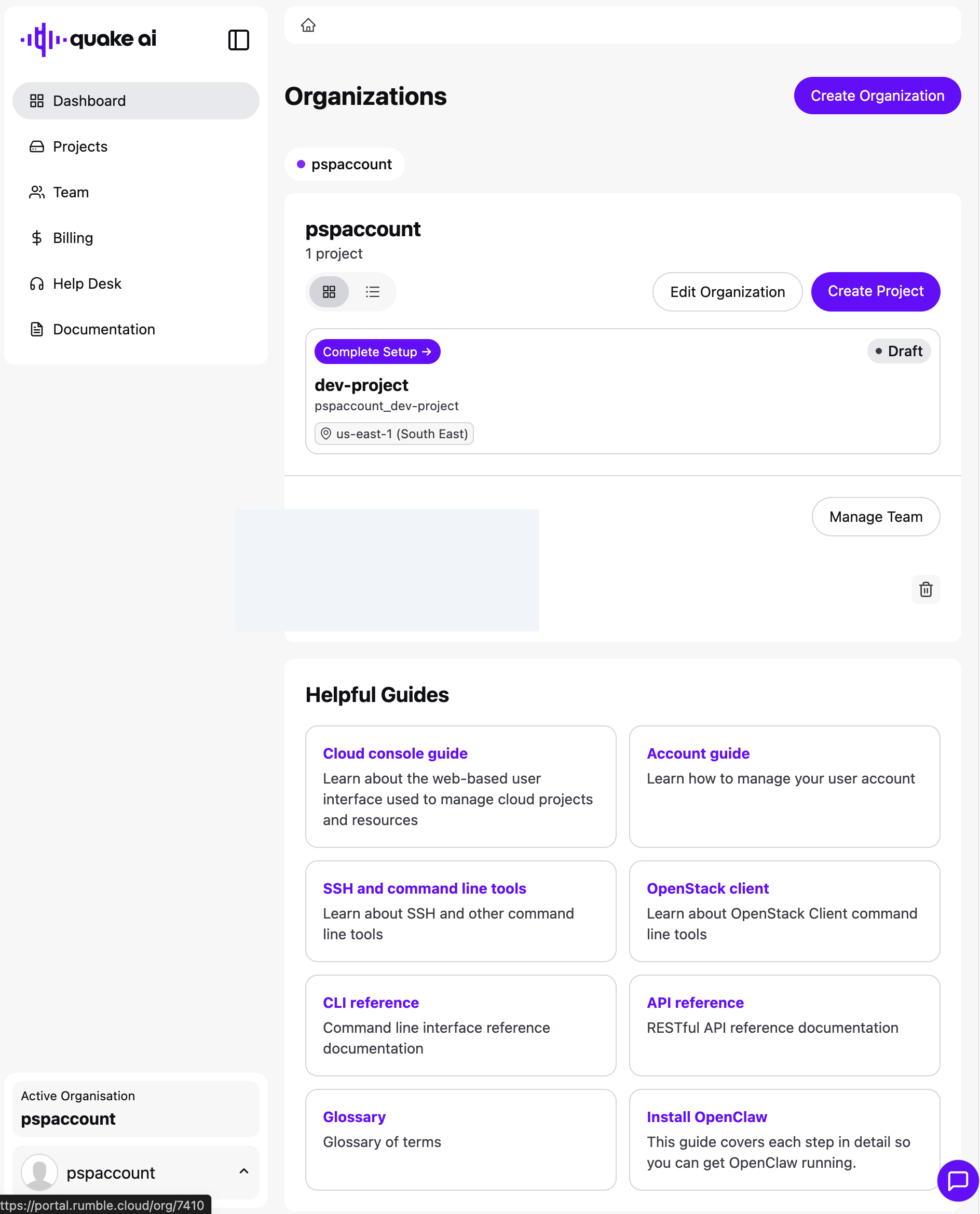
The dashboard lists your organizations, their projects, a team snapshot, and guide cards.
## Organizations
An organization groups related projects and team members under a single billing entity. From the dashboard you can create another organization, edit the current one, or create a project.
## Projects
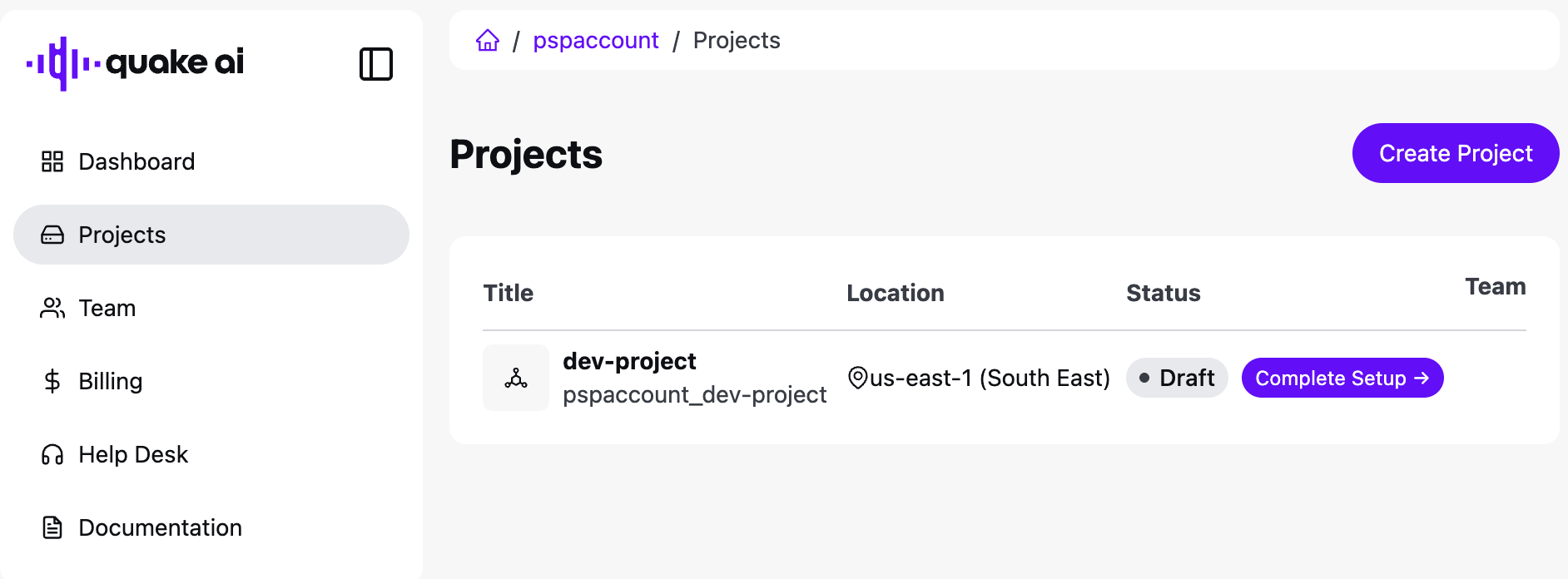
Projects are the resource boundary within an organization. Each project has its own cloud resources, quotas, and team access. Open **Projects** for the list, or create a project from the dashboard.
See [Manage cloud projects](/docs/account/projects) for create and tier steps.
## Team
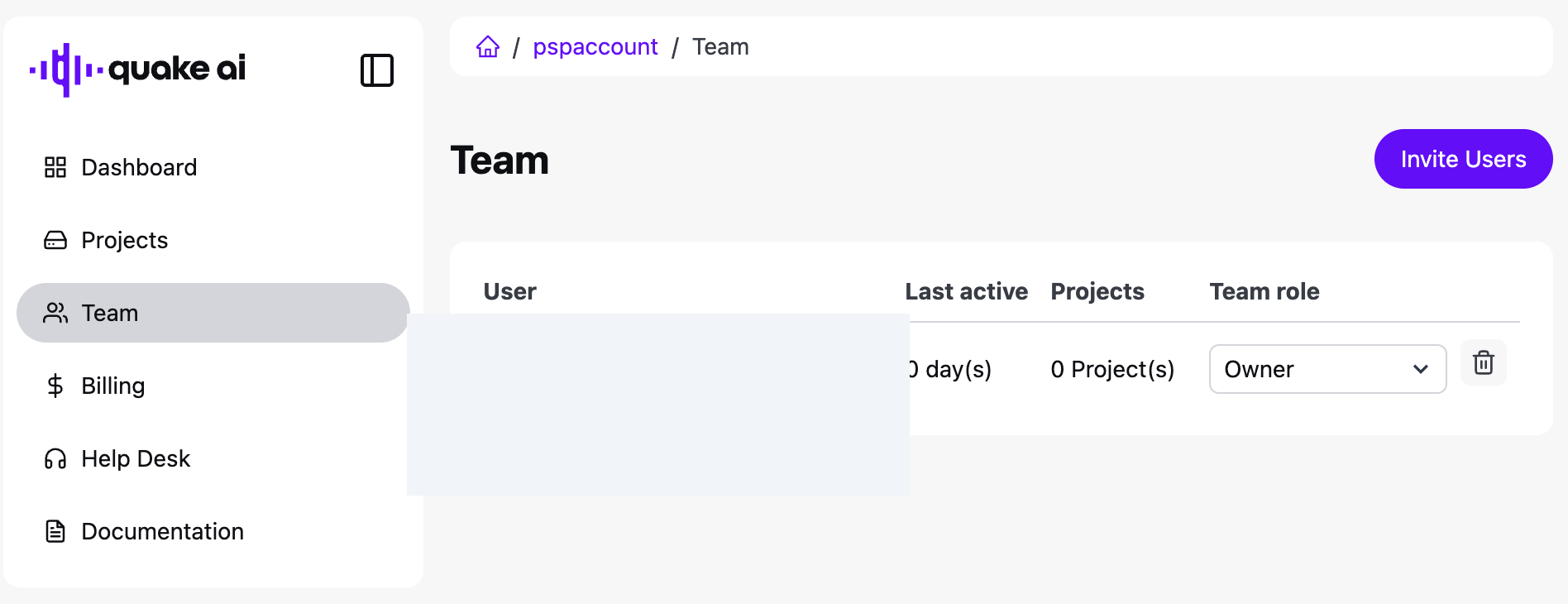
**Team** lists organization members. Invite people with **Invite Users**, set a role, and remove members with the trash control.
## Billing
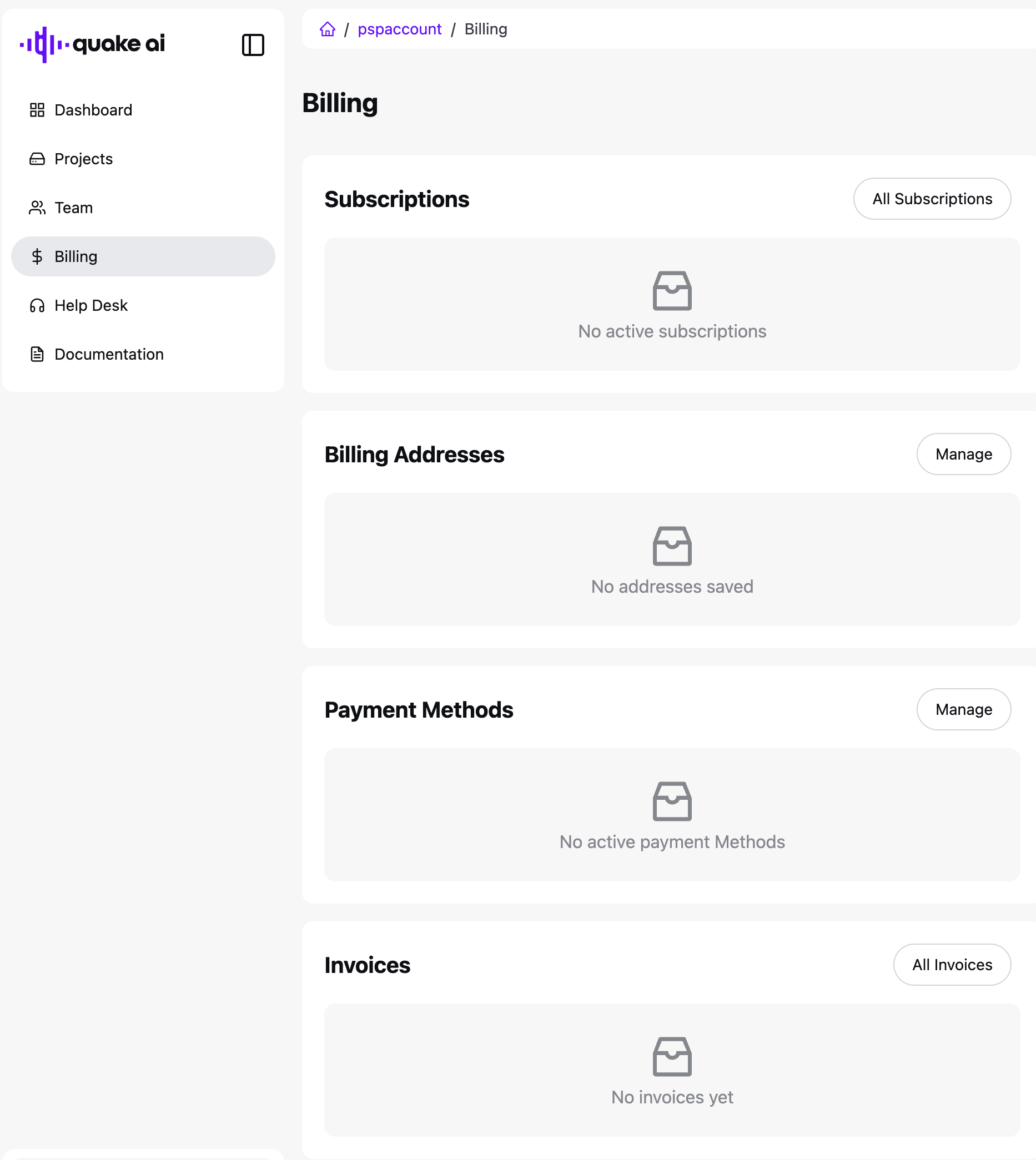
**Billing** is one page with four cards: Subscriptions, Billing Addresses, Payment Methods, and Invoices. Use **Manage** or **All** on a card to add or review records.
Payment method and address dialogs:
See [Manage your subscription](/docs/account/billing/manage-subscription) for the tasks.
## Help Desk
**Help Desk** lists support tickets for the organization.
## Related
- [Account & Billing](/docs/account): account management overview
- [Console Dashboard](/docs/account/dashboard): cloud console resource quotas
- [Manage cloud projects](/docs/account/projects): project creation and management
- [How billing works](/docs/account/billing/how-billing-works): billing model and invoicing