# API Access Console Reference
Source: https://docs.quake.ai/docs/tools/api-access-console
Markdown: https://docs.quake.ai/docs/tools/api-access-console.md
---
# API access console reference
The **API** section in the Quake AI console (`{CONSOLE_REGION_URL}/papi/*`) provides tools for managing programmatic access to your cloud project. It contains three pages (S3 Credentials, App Credentials, and API Endpoints) plus a Get Token action on the endpoints page.
## S3 credentials
**Console path:** **API** > **S3 Credentials** (`{CONSOLE_REGION_URL}/papi/s3-credentials`)
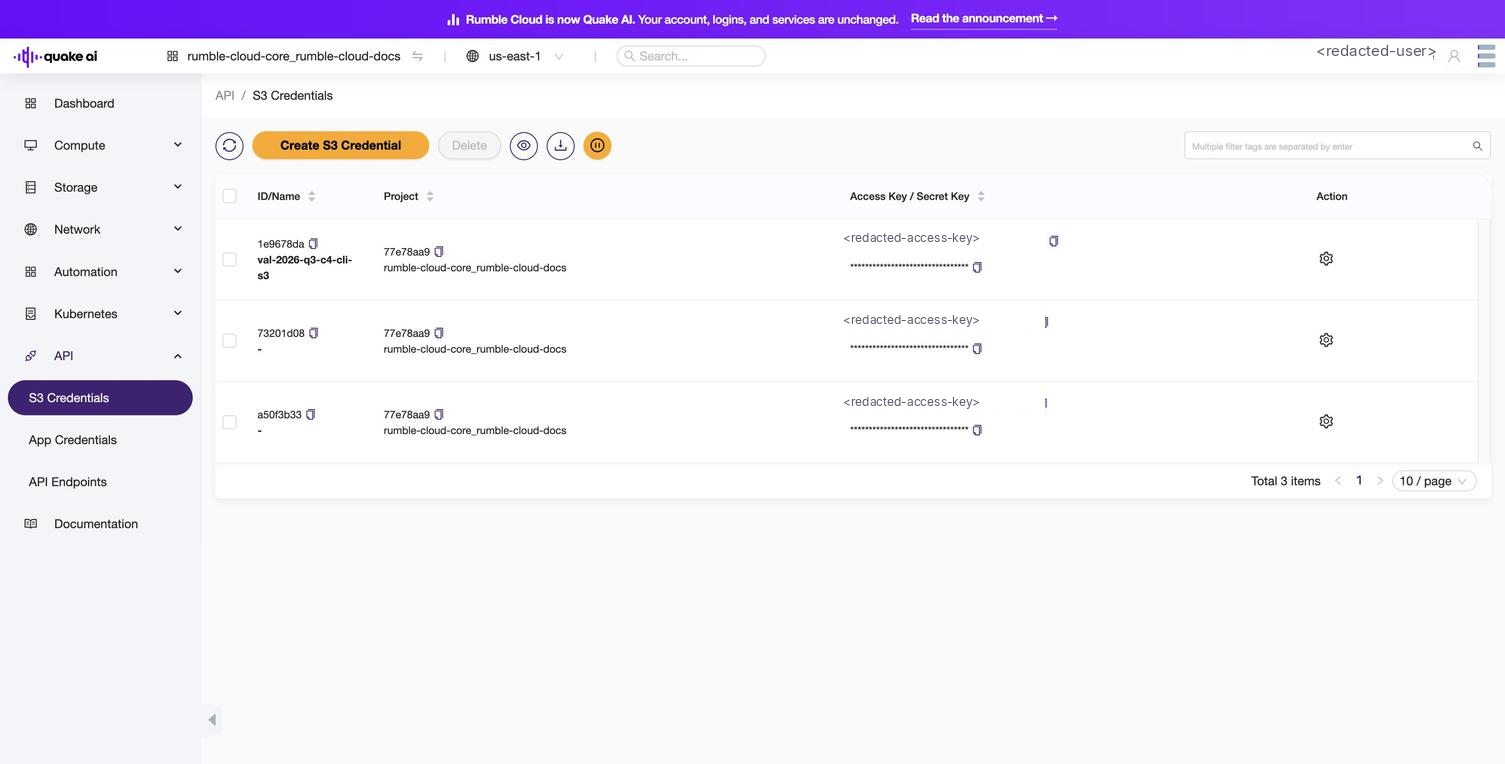
Manage EC2-compatible credentials for S3 object storage access. Unlike application credentials, S3 credentials are scoped to your user account, not a single project.
| Column | Description |
|--------|-------------|
| **ID/Name** | Credential identifier and the name you assigned at creation |
| **Project** | The project the credential was created under |
| **Access Key / Secret Key** | The access key shown in full and the masked secret key, each with a copy icon |
| **Action** | The per-row settings menu |
**Actions:** Create S3 Credential; per-row settings menu: s3cmd config, Delete; inline copy icons in the **Access Key / Secret Key** column
**How-to:** [Create S3 credentials](/docs/object/how-to/create-s3-credentials)
## Application credentials
**Console path:** **API** > **App Credentials** (`{CONSOLE_REGION_URL}/papi/application-credentials`)
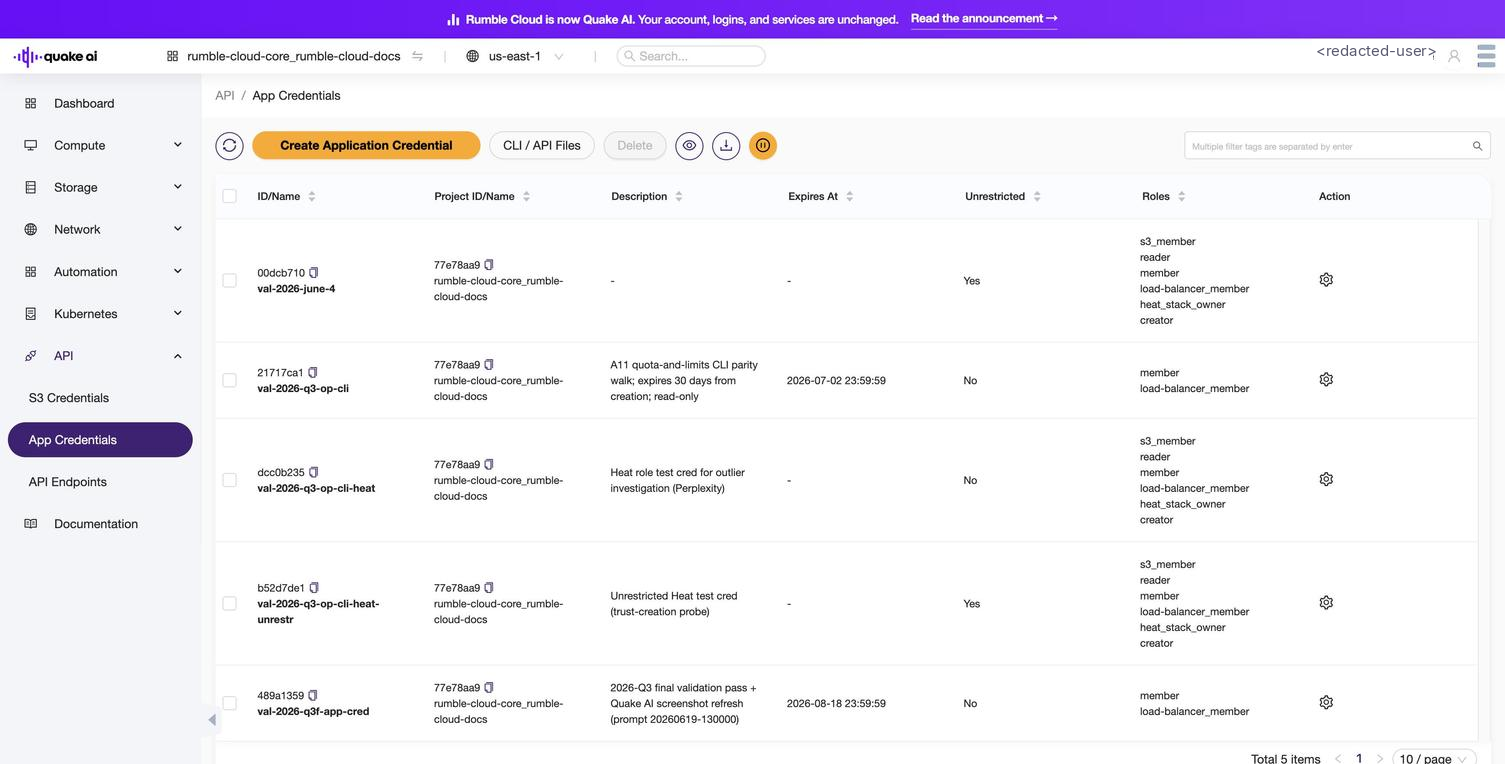
Create and manage application credentials for authenticating the OpenStack CLI, SDKs, and Terraform without your account password. Each credential is scoped to the current project.
| Column | Description |
|--------|-------------|
| **ID/Name** | Credential identifier and the name you assigned |
| **Project** | The project this credential is scoped to |
| **Description** | Optional description set during creation |
| **Expires At** | Expiration date, if set |
| **Unrestricted** | Whether the credential can manage trusts, other credentials, and Kubernetes clusters |
| **Roles** | Roles assigned to this credential |
**Actions:** Create Application Credential, Delete
**How-to:** [Create application credentials](/docs/tools/generate-app-credentials)
## API endpoints
**Console path:** **API** > **API Endpoints** (`{CONSOLE_REGION_URL}/papi/endpoints`)
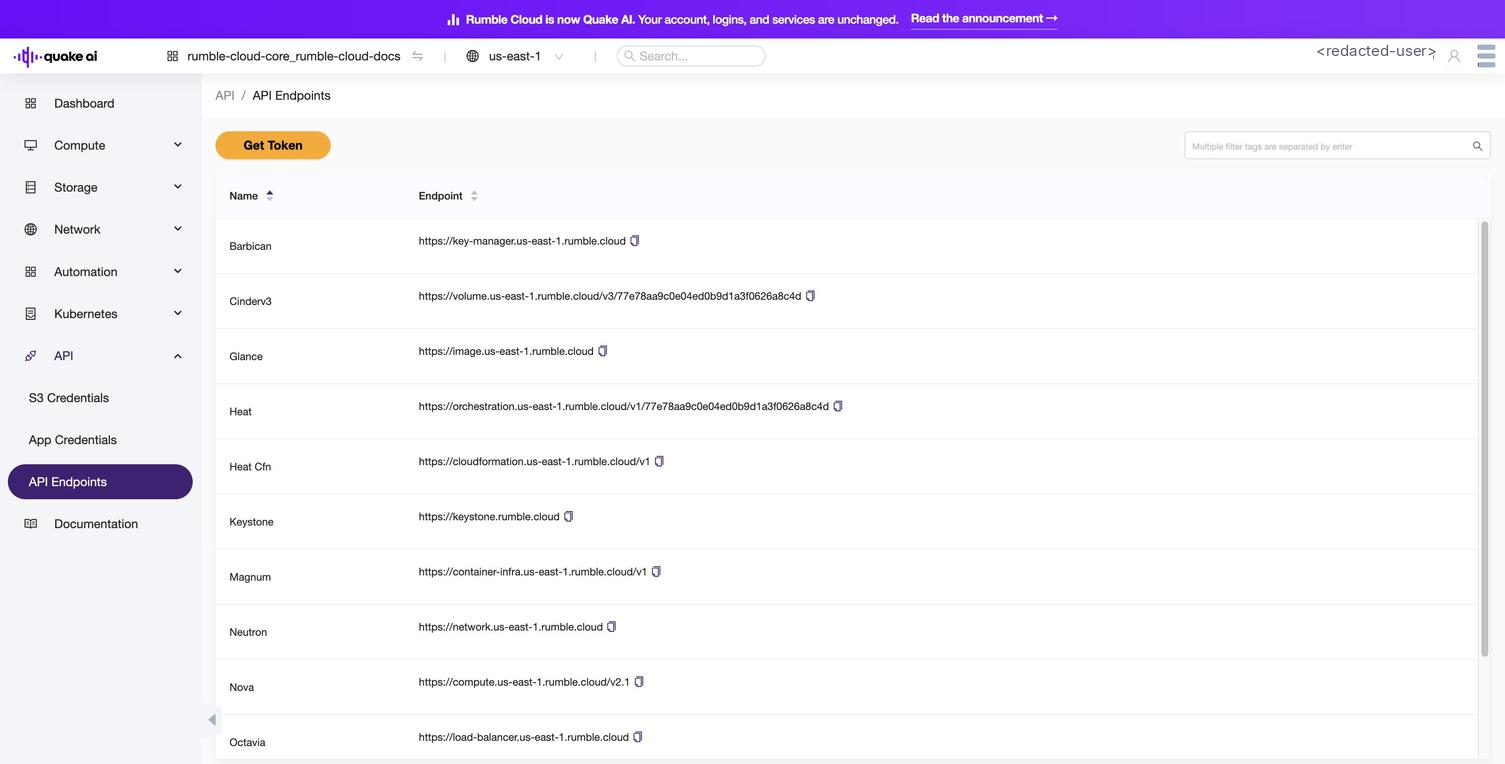
View all service endpoint base URLs for your project. This page lists the same endpoints available through the Keystone service catalog, resolved for your region and project.
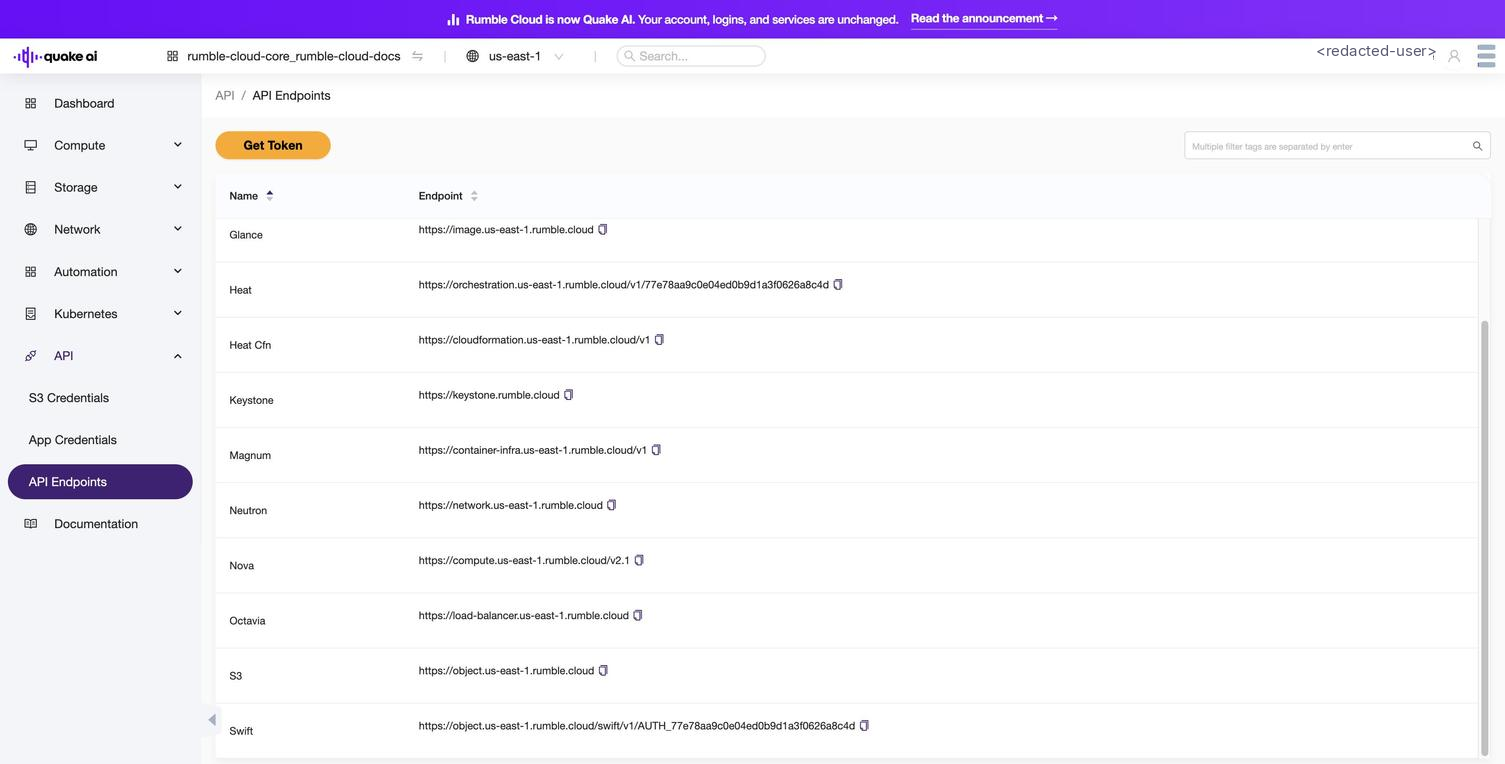
The endpoint table includes Compute (Nova), Network (Neutron), Block Storage (Cinder), Images (Glance), Object Storage (Swift/S3), Identity (Keystone), Orchestration (Heat), and Container Infrastructure (Magnum).
**Reference:** [Service Endpoints](/docs/tools/service-endpoints): full endpoint table with `clouds.yaml` example and endpoint discovery details
## Get token
**Console path:** **API** > **API Endpoints** > **Get Token** button
Generate a project-scoped Keystone token directly from the console. The token authenticates direct HTTP requests to the service endpoints. Tokens are valid for 24 hours.
The **Get Token** button appears on the API Endpoints page. After selecting it, the console displays the token value with a copy action.
**How-to:** [Get an API token](/docs/tools/api-tokens)
## See also
- [Access & Credentials overview](/docs/tools/index): section landing page
- [Service Endpoints](/docs/tools/service-endpoints): all 12 base URLs, `clouds.yaml`, endpoint discovery
- [API Endpoints console](/docs/tools/api-endpoints): endpoint table with API reference links
- [API versions and microversions](/docs/tools/api-versions)