Automation console
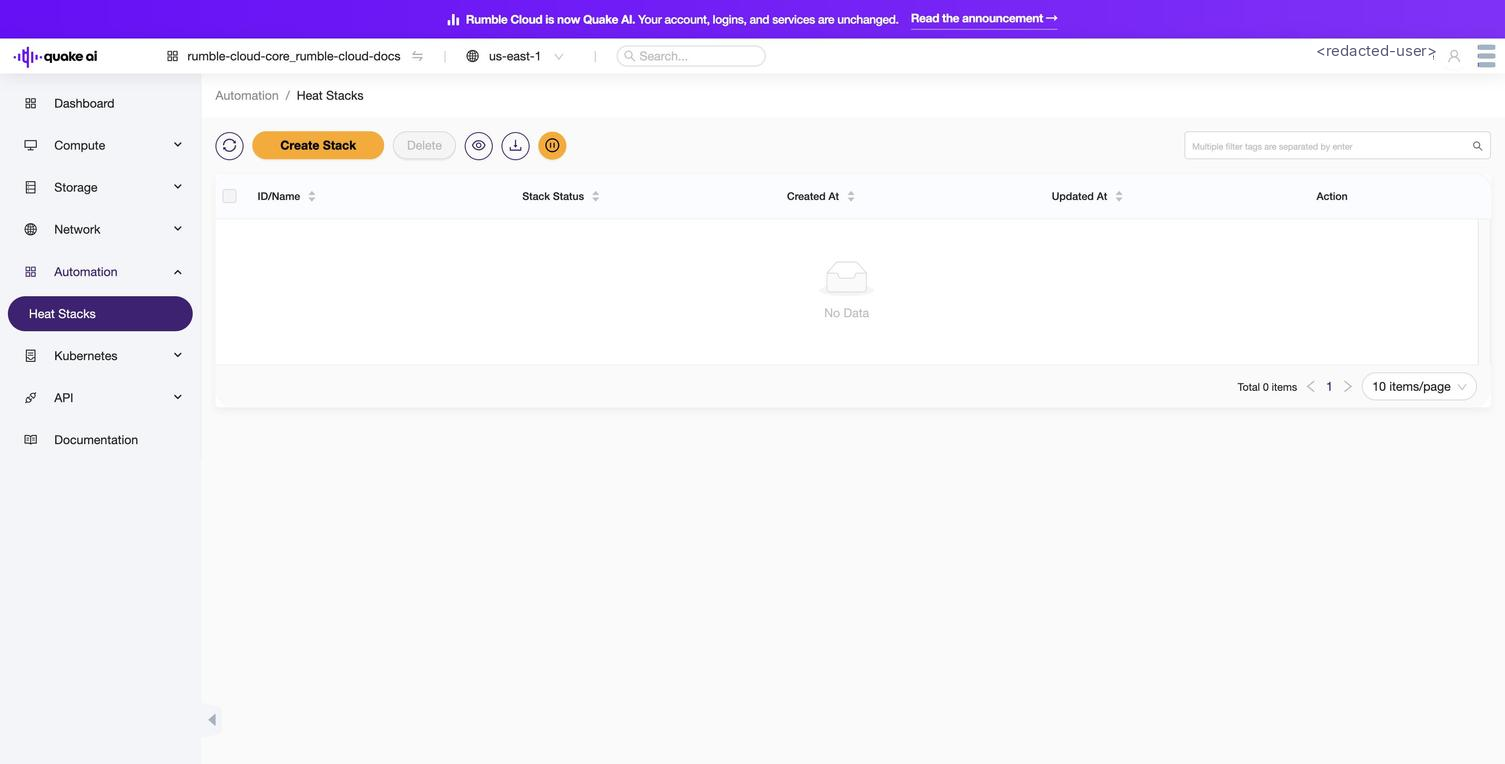
The Automation section of the Quake AI console lets you view and manage Heat stacks (collections of cloud resources deployed from orchestration templates). Select Automation > Heat Stacks (/heat/stack) in the console to access the stack list. The us-east-1 sidebar uses Automation; older console builds may show the legacy label Orchestration for the same section.
The console lists all stacks in the current project. You can check stack status, view resource details, suspend and resume running stacks, and delete stacks you no longer need. Select a stack to view its topology, resource list, events, and the template that created it.
 Click to zoom
Stack properties#
| Property | Description |
|---|---|
| Stack Name | Unique name identifying the stack |
| Template | YAML or JSON template file that describes the stack's resources and configuration |
| Parameters | Input values the template requires to customize the deployment |
| Stack Status | Current state of the stack (see status reference below) |
| Outputs | Values defined in the template, available after deployment (IP addresses, URLs, resource IDs) |
| Timeout | Minutes before a stack creation or update times out |
| Tags | User-defined labels for categorization and filtering |
| Disable Rollback | Whether to skip rollback on creation failure |
| Stack ID | Unique identifier assigned automatically |
| Creation Time | Timestamp of stack creation |
| Updated Time | Timestamp of last stack update |
| Nested Depth | Depth level for nested stacks |
| Parent Stack | ID of the parent stack (for nested stacks) |
| Environment | Environment file or settings applied to the stack, overriding template defaults |
Stack status reference#
| Status | Description |
|---|---|
CREATE_IN_PROGRESS | Stack creation is underway |
CREATE_COMPLETE | Stack created successfully |
CREATE_FAILED | Stack creation failed |
DELETE_IN_PROGRESS | Stack deletion is underway |
DELETE_COMPLETE | Stack deleted successfully |
DELETE_FAILED | Stack deletion failed |
UPDATE_IN_PROGRESS | Stack update is underway |
UPDATE_COMPLETE | Stack updated successfully |
UPDATE_FAILED | Stack update failed |
ROLLBACK_IN_PROGRESS | Reverting to a previous state |
ROLLBACK_COMPLETE | Rollback completed successfully |
ROLLBACK_FAILED | Rollback failed |
ADOPT_IN_PROGRESS | Adopting existing resources into a new stack |
ADOPT_COMPLETE | Resource adoption completed |
ADOPT_FAILED | Resource adoption failed |
CHECK_IN_PROGRESS | Checking stack resources for correctness |
CHECK_COMPLETE | Resource check passed |
CHECK_FAILED | Resource check failed |
SUSPEND_IN_PROGRESS | Stack suspension is underway |
SUSPEND_COMPLETE | Stack suspended |
SUSPEND_FAILED | Stack suspension failed |
RESUME_IN_PROGRESS | Stack resumption is underway |
RESUME_COMPLETE | Stack resumed |
RESUME_FAILED | Stack resumption failed |
SNAPSHOT_IN_PROGRESS | Creating a snapshot of the stack's current state |
SNAPSHOT_COMPLETE | Snapshot created |
SNAPSHOT_FAILED | Snapshot creation failed |
Get started#
The console's Automation section manages Heat stacks. Heat is a legacy orchestration path; for new infrastructure, use OpenTofu instead. If you have existing Heat stacks, see Create a Heat stack for console and CLI instructions.
Related#
- Automation overview: service description, IaC comparison, and full guide index
- Automation CLI reference: manage stacks from the command line
- Automation API reference: programmatic access to the Automation service
- Heat Template Guide: OpenStack Heat template reference