Portal Console
Coming from another cloud?
▸AWS·Organizations
AWS Organizations
- AWS Organizations provides hierarchical OUs, SCPs for governance, consolidated billing; OpenStack lacks native multi-deployment orgs, uses Keystone domains/projects for isolation but no built-in billing consolidation across deployments.
- Billing model: AWS management account pays for all members; OpenStack billing is provider-specific, often per-project quotas but no standard consolidated billing service.
- Policies: AWS SCPs limit max permissions; OS uses role assignments without equivalent guardrails.
- API: AWS CreateOrganization, ListOrganizationalUnits; OS no equivalent, managed via Keystone domains.
▸Azure·Subscriptions
Azure Resource Groups
- Resource Groups store metadata in a specific region and support resources from multiple regions; OpenStack lacks formal grouping beyond projects, resources directly scoped to projects.
- Built-in features like ARM locks (Read-only/Delete), integrated tags for cost allocation, and deployment history views; OpenStack uses project quotas and locks via extensions, no native group-level deployments.
- Lifecycle management: Easy group delete/update via ARM templates; OpenStack deletes resources individually or via OpenTofu destroy/Heat stacks scoped to projects.
- Portal views aggregate metrics/deployments across group; OpenStack Horizon shows per-project.
▸DigitalOcean·Team Management
This Quake AI feature maps to DigitalOcean’s Team Management.
▸Google Cloud·Resource Manager
This Quake AI feature maps to Google Cloud’s Resource Manager.
▸Hetzner·Project Management
This Quake AI feature maps to Hetzner’s Project Management.
Portal console
The Quake AI portal at portal.rumble.cloud is the management interface for your account, organizations, projects, teams, billing, and help desk. The portal is separate from the cloud console (for example sky.us-east-1.rumble.cloud) where you manage infrastructure resources.
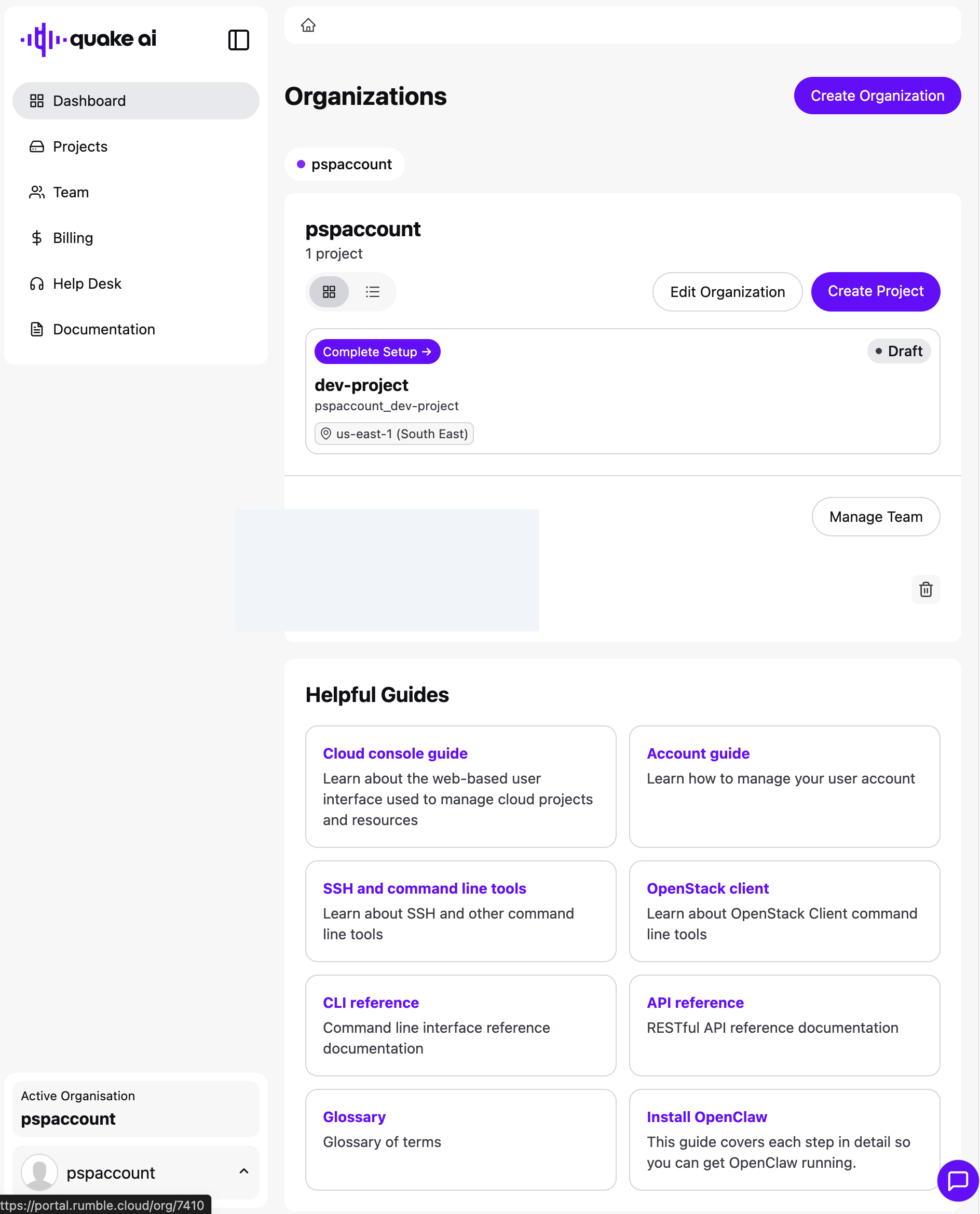
Left navigation: Dashboard, Projects, Team, Billing, Help Desk, Documentation.
Portal dashboard#
The dashboard lists your organizations, their projects, a team snapshot, and guide cards.
 Click to zoom
Organizations#
An organization groups related projects and team members under a single billing entity. From the dashboard you can create another organization, edit the current one, or create a project.
Projects#
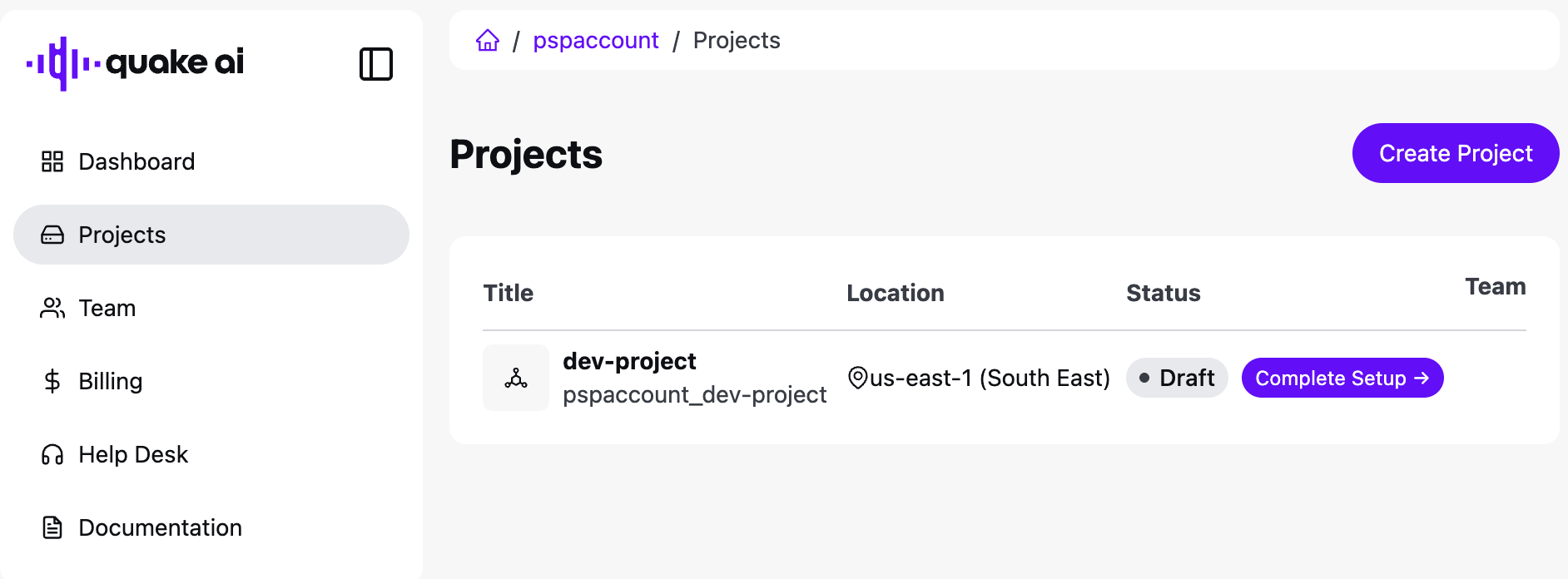
Projects are the resource boundary within an organization. Each project has its own cloud resources, quotas, and team access. Open Projects for the list, or create a project from the dashboard.
 Click to zoom
See Manage cloud projects for create and tier steps.
Team#
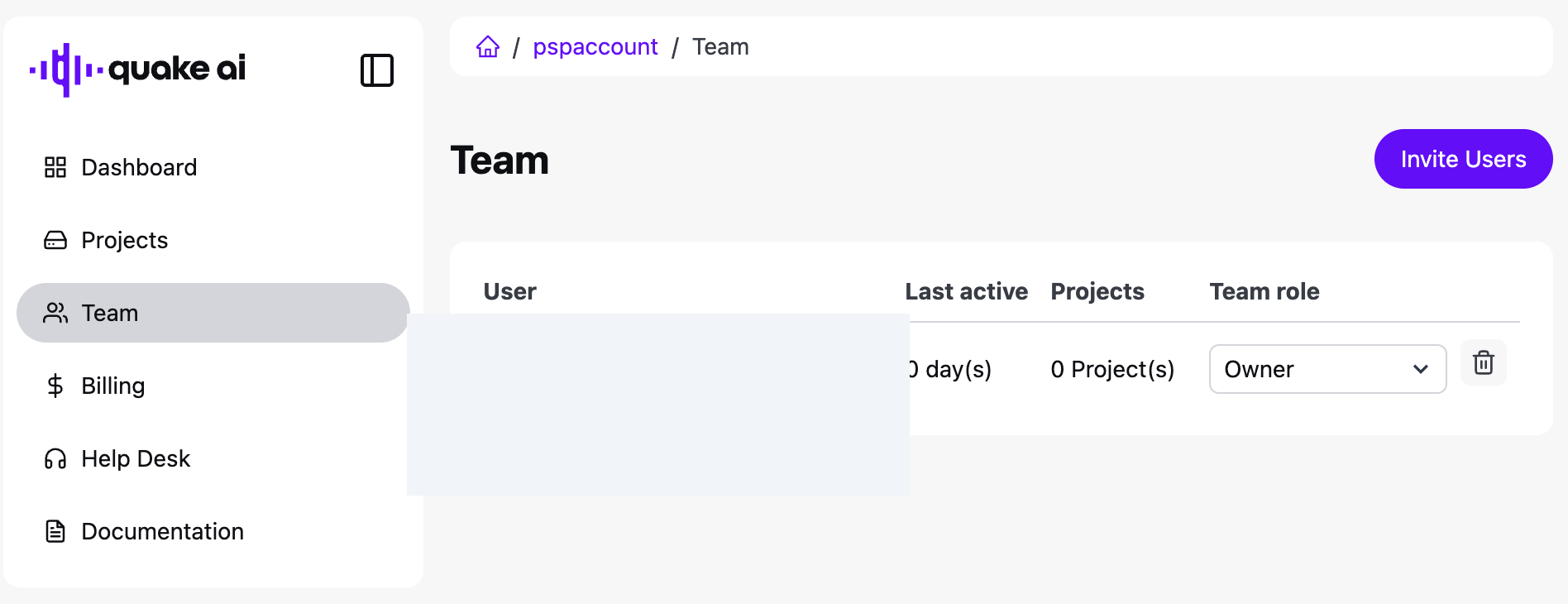
Team lists organization members. Invite people with Invite Users, set a role, and remove members with the trash control.
 Click to zoom
Billing#
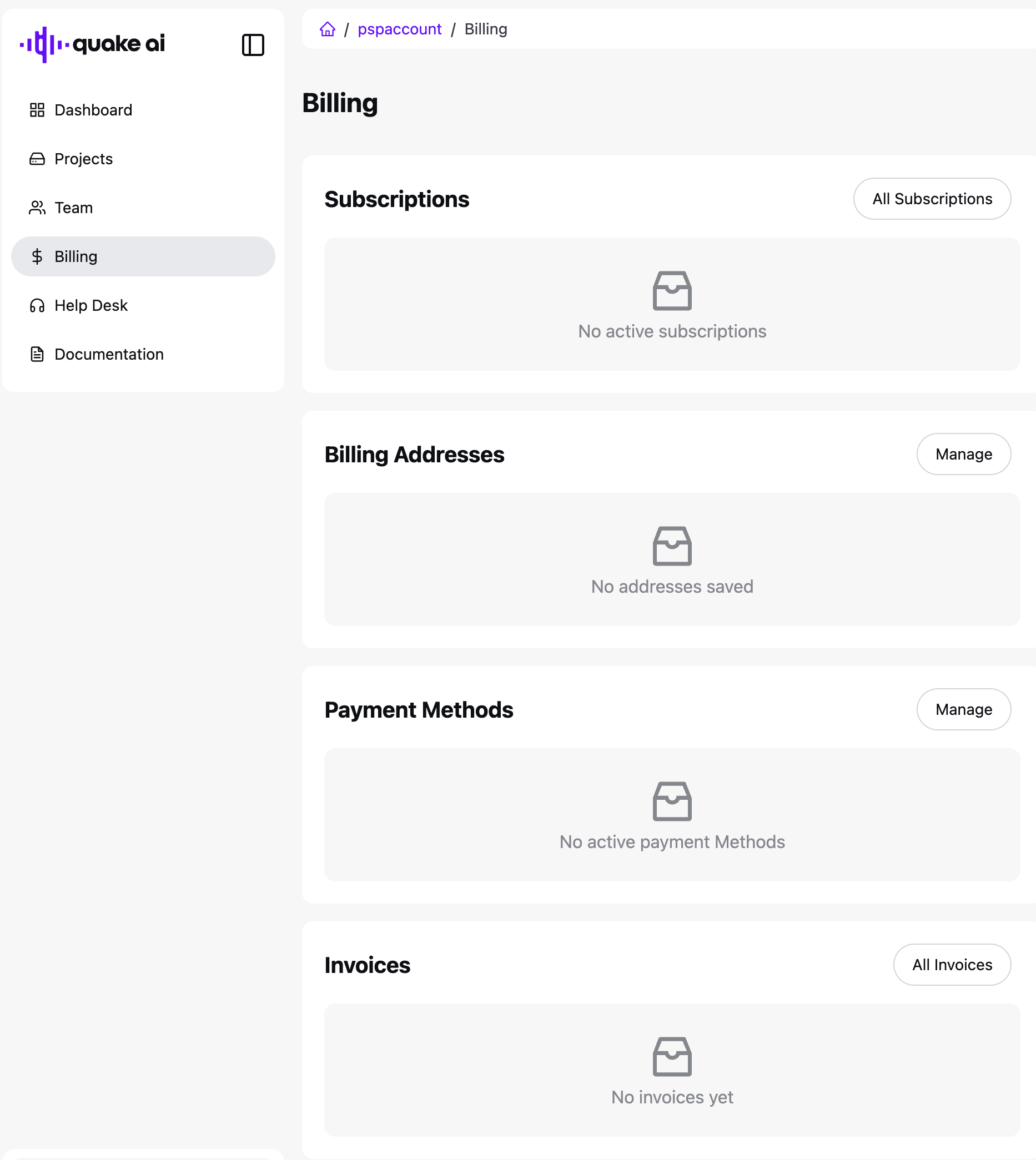
Billing is one page with four cards: Subscriptions, Billing Addresses, Payment Methods, and Invoices. Use Manage or All on a card to add or review records.
 Click to zoom
Payment method and address dialogs:
 Click to zoom
 Click to zoom
See Manage your subscription for the tasks.
Help Desk#
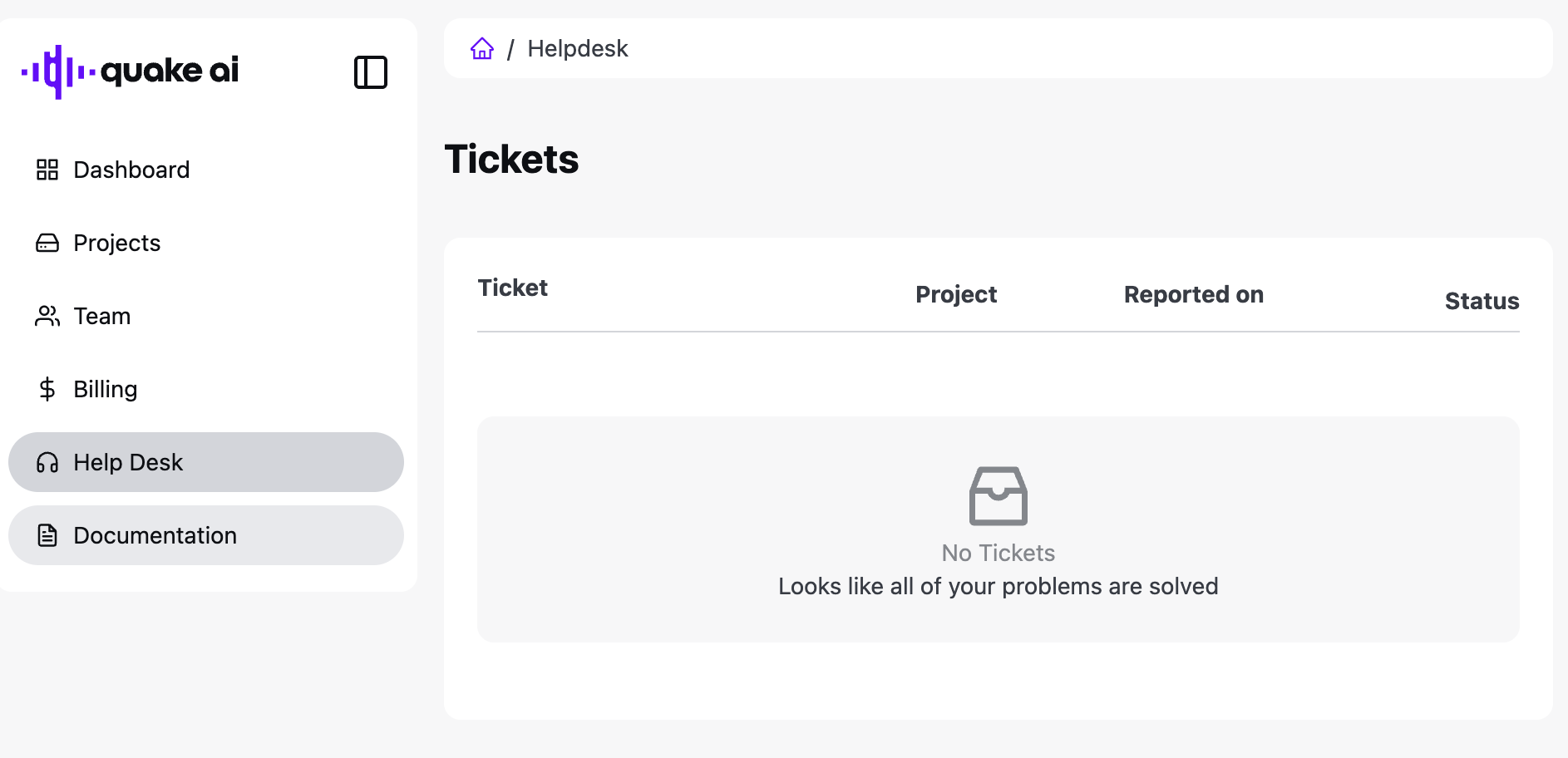
Help Desk lists support tickets for the organization.
 Click to zoom
Related#
- Account & Billing: account management overview
- Console Dashboard: cloud console resource quotas
- Manage cloud projects: project creation and management
- How billing works: billing model and invoicing