Clusters console
The Clusters page lets you deploy, inspect, scale, and delete Kubernetes clusters. Select Services > Kubernetes > Clusters (/container-infra/clusters) to access this page.
Cluster list#
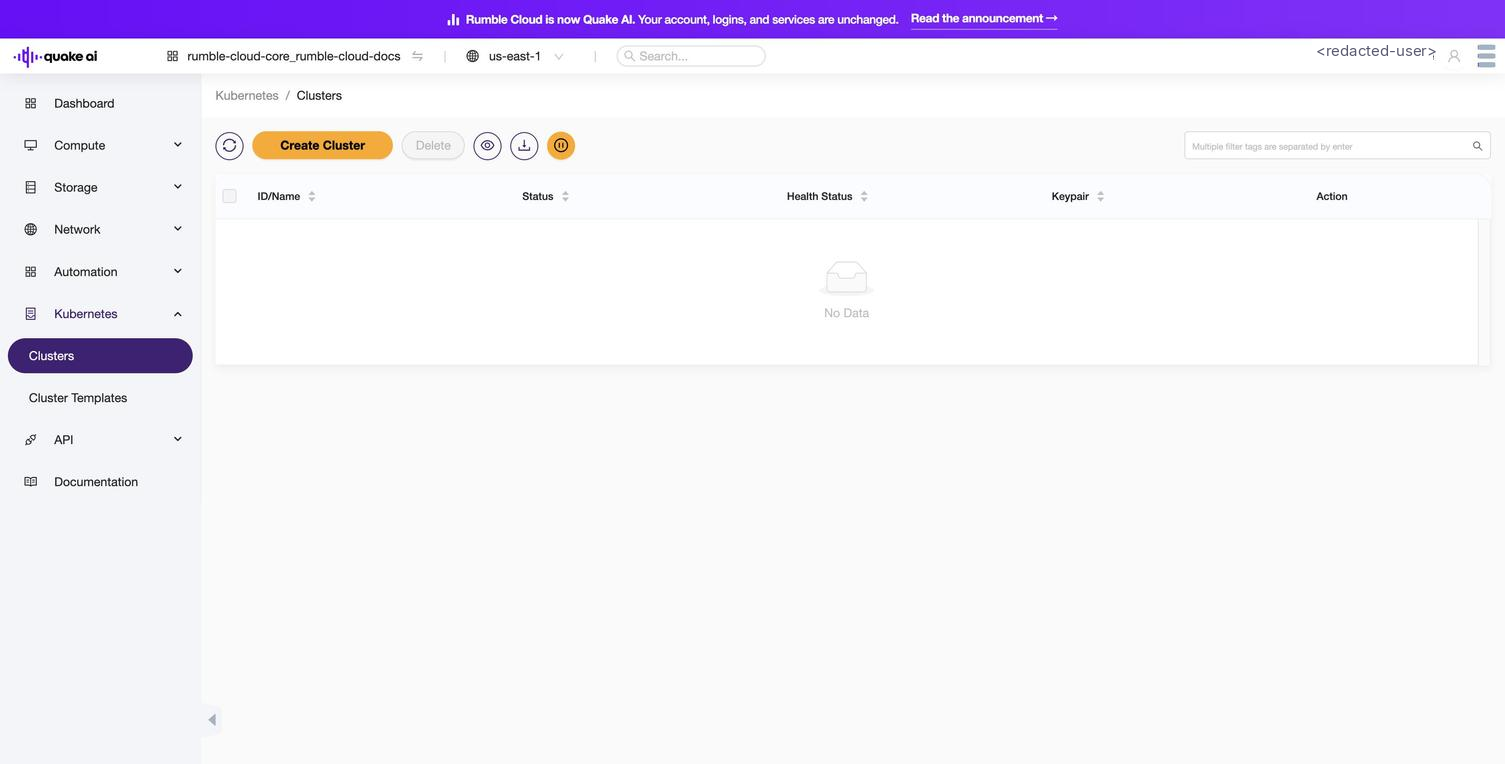
The list view shows all clusters in the current project with the following columns:
| Column | Description |
|---|---|
| Name | Human-readable cluster name. Select the name to open cluster details. |
| ID | Unique identifier assigned to the cluster. |
| Status | Current operational state (e.g., CREATE_COMPLETE, UPDATE_IN_PROGRESS). |
| Health Status | Continuous health assessment based on node and control plane checks. |
| Node Count | Number of worker nodes. |
| Master Count | Number of master nodes. |
| Cluster Template | The template used to create this cluster. |
| Created | Timestamp of cluster creation. |
Use the controls at the top of the list to create a new cluster or delete selected clusters.
 Click to zoom
The empty-state view shows a subset of column headers. Once a cluster exists, the populated list renders the full eight columns documented above (Name, ID, Status, Health Status, Node Count, Master Count, Cluster Template, Created).
Cluster details#
Select a cluster name to view its detail page. The detail view displays:
| Field | Description |
|---|---|
| Name | Cluster name. |
| ID | Unique cluster identifier. |
| Status | Current state with status reason (provides detail for failures). |
| Health Status | Cluster health based on node monitoring. |
| Cluster Template ID | ID of the template this cluster was created from. |
| API Address | URL of the Kubernetes API endpoint. Use this with kubectl to manage workloads. |
| Master Count | Number of master nodes. |
| Node Count | Current number of worker nodes. |
| Master Flavor | Hardware profile of master nodes (CPU, RAM, disk). |
| Node Flavor | Hardware profile of worker nodes. |
| Key Pair | SSH key pair associated with cluster nodes. |
| Discovery URL | URL used for node discovery during initial cluster setup. |
| Labels | Key-value pairs controlling cluster configuration (network policies, autoscaler, dashboard). |
| Faults | Error information for failed operations. Useful for diagnosing creation or update failures. |
| Created | Cluster creation timestamp. |
| Updated | Last modification timestamp. |
Cluster status values#
| Status | Meaning |
|---|---|
CREATE_IN_PROGRESS | Cluster VMs, networking, and control-plane endpoints are being provisioned. |
CREATE_COMPLETE | Cluster is ready. The Kubernetes API is accessible. |
CREATE_FAILED | Provisioning failed. Check Faults and Status Reason for details. |
UPDATE_IN_PROGRESS | A scaling or configuration change is being applied. |
UPDATE_COMPLETE | Cluster update finished successfully. |
UPDATE_FAILED | Update failed. Review status reason and retry or rollback. |
DELETE_IN_PROGRESS | Cluster and associated resources are being removed. |
DELETE_COMPLETE | Cluster and all resources have been deleted. |
DELETE_FAILED | Deletion failed. Orphaned resources may need manual cleanup. |
Actions#
| Action | Description |
|---|---|
| Create Cluster | Launch a new cluster from a cluster template. See How to create a Kubernetes cluster. |
| Resize Cluster | Scale the worker node count up or down. See How to manage a Kubernetes cluster. |
| Delete | Remove the cluster and its VMs, networks, control-plane endpoints, and Heat stack. |
Related#
- Kubernetes Console: console overview and page index
- How to create a Kubernetes cluster
- How to manage a Kubernetes cluster
- Kubernetes CLI reference