DigitalOcean uses tags as a grouping/selection mechanism (filtering, bulk actions, auto-inclusion in firewall/LB configs) rather than OpenStack Nova server groups that implement affinity/anti-affinity placement policies.
No documented user-facing placement policy (affinity/anti-affinity) is exposed via tags; tags are for organization and targeting actions, unlike OpenStack server groups which influence scheduling decisions.
DigitalOcean’s tags API requires canonical capitalization in the URL (e.g., /v2/tags/PROD/resources), which is a platform-specific behavior not typically present in OpenStack resource tagging.
Bulk actions on Droplets can be initiated across resources sharing a tag via DigitalOcean API endpoints, whereas OpenStack server groups are separate resources with policies and memberships managed via Nova.
Server groups provide a mechanism for controlling the placement of instances and can be an essential tool for optimizing performance, availability, and fault tolerance in a cloud environment.
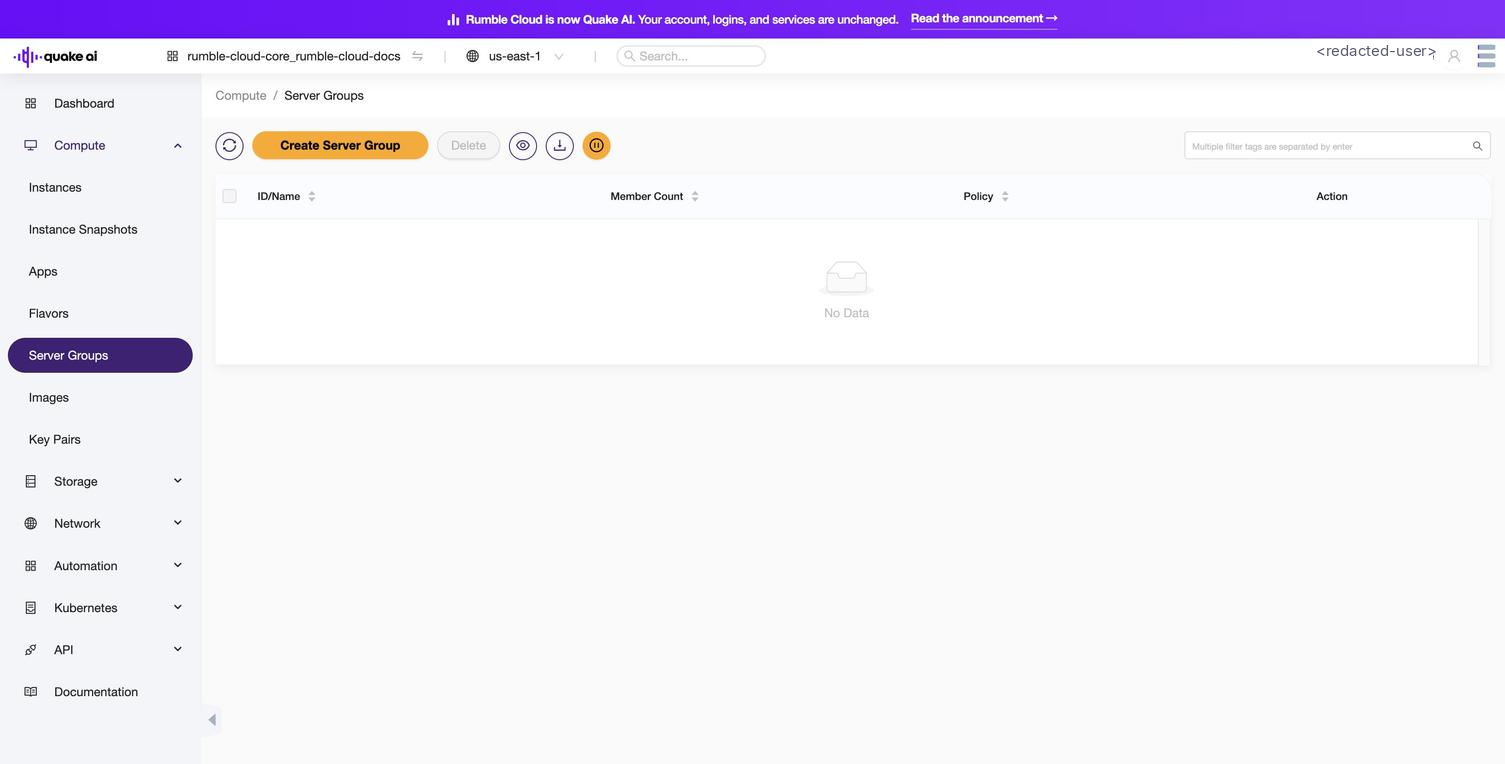
Select Compute > Server Groups to view the server groups console.
The console lists all server groups in your project, and lets you create, edit, and delete server groups.
Click to zoom
Server Groups console (empty state)
Create a server group by specifying a name and an affinity policy.
Affinity (mandatory): The instances in the affinity group are strictly allocated to the same physical machine. When there are no more physical machines to allocate, the allocation fails.
Anti-affinity (mandatory): The instances in the anti-affinity group are strictly allocated to different physical machines. When there are no more physical machines to allocate, the allocation fails.
Affinity (not mandatory): The instances in the affinity group are allocated to the same physical machine as much as possible, and when there are no more physical machines to allocate, the normal allocation strategy is returned.
Anti-affinity (not mandatory): The instances in the anti-affinity group are allocated to different physical machines as much as possible. When there are no more physical machines to allocate, the normal allocation strategy is returned.
Here's a table summarizing the properties and attributes that you should understand to work with server groups in the Compute service:
Property/Attribute
Description
Name
A human-readable name for the server group, used for identification purposes.
ID
A unique identifier automatically assigned to the server group by OpenStack.
Policies
A list of policies that dictate the placement and scheduling of instances within the server group. Common policies include affinity, anti-affinity, soft-affinity, and soft-anti-affinity.
Members
A list of instance IDs that are members of the server group.
Metadata
A set of key-value pairs associated with the server group, providing additional information or customization options.
Project ID
The ID of the project or tenant to which the server group belongs.
User ID
The ID of the user who created the server group.
Understanding these properties and attributes helps you manage server groups, ensuring that instances are scheduled and placed according to the desired policies for optimal performance and availability.
 Click to zoom