Instance snapshots console
Overview#
Instance snapshots can be used for backup purposes, to create new instances with identical configurations, or to roll back to a previous state in case of errors or issues.
Select Compute > Instance Snapshots to display the snapshots console (/compute/instance-snapshot). The console displays a list of existing snapshots.
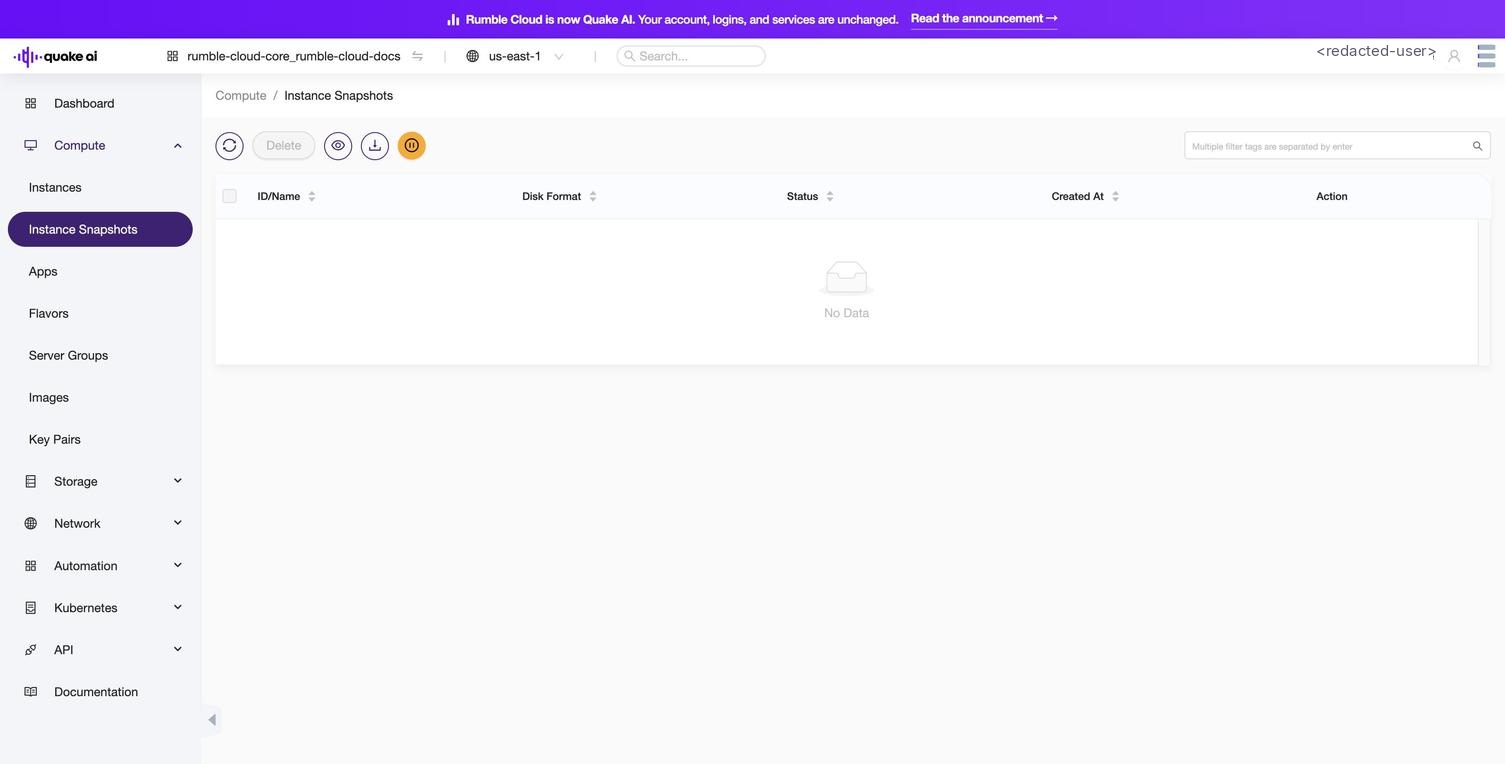 Click to zoom
For each snapshot, you can take the following actions:
- Edit
- Create instance
- Create volume
- Delete
Instance snapshot details#
When creating or managing instance snapshots in the Compute service, you should be familiar with these properties and attributes associated with snapshots. Here's a list of key properties and attributes:
| Property/Attribute | Description |
|---|---|
| Name | A human-readable name for the snapshot, used for identification purposes. |
| ID | A unique identifier automatically assigned to the snapshot by OpenStack. |
| Status | Indicates the current state of the snapshot (for example, queued, saving, active, deleted). |
| Visibility | Determines who can access the snapshot (public or private). |
| Protected | A boolean value indicating whether the snapshot is protected from deletion. |
| Disk Format | Specifies the format of the snapshot (for example, raw, qcow2, vmdk, iso). |
| Container Format | Describes the container format of the snapshot (for example, bare, ovf, aki). |
| Size | The size of the snapshot file in bytes. |
| Checksum | A hash value used to verify the integrity of the snapshot file. |
| Tags | A list of user-defined tags associated with the snapshot for categorization or filtering. |
| Instance ID | The ID of the instance from which the snapshot was created. |
| Volume ID (if applicable) | For snapshots created from a volume, the ID of the source volume. |
| Owner | The ID of the project or user that owns the snapshot. |
| Created At | The timestamp indicating when the snapshot was created. |
| Updated At | The timestamp indicating when the snapshot was last updated. |
Understanding these properties and attributes is helpful for creating or managing instance snapshots in your cloud projects.