Apps console
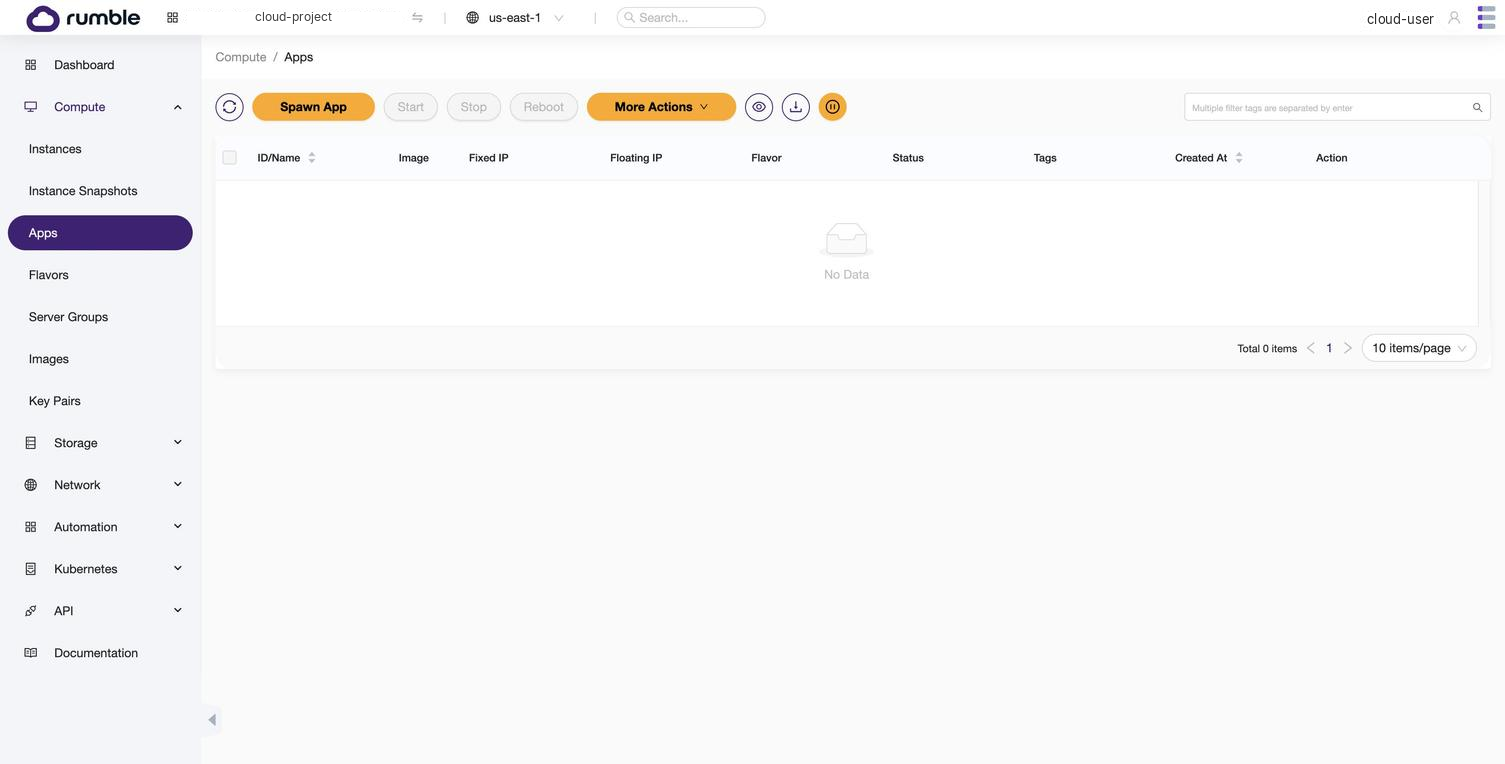
Select Compute > Apps (/compute/apps) to view the Apps console. The Apps page lists pre-configured application templates you can deploy as fully provisioned instances.
 Click to zoom
Spawn app wizard#
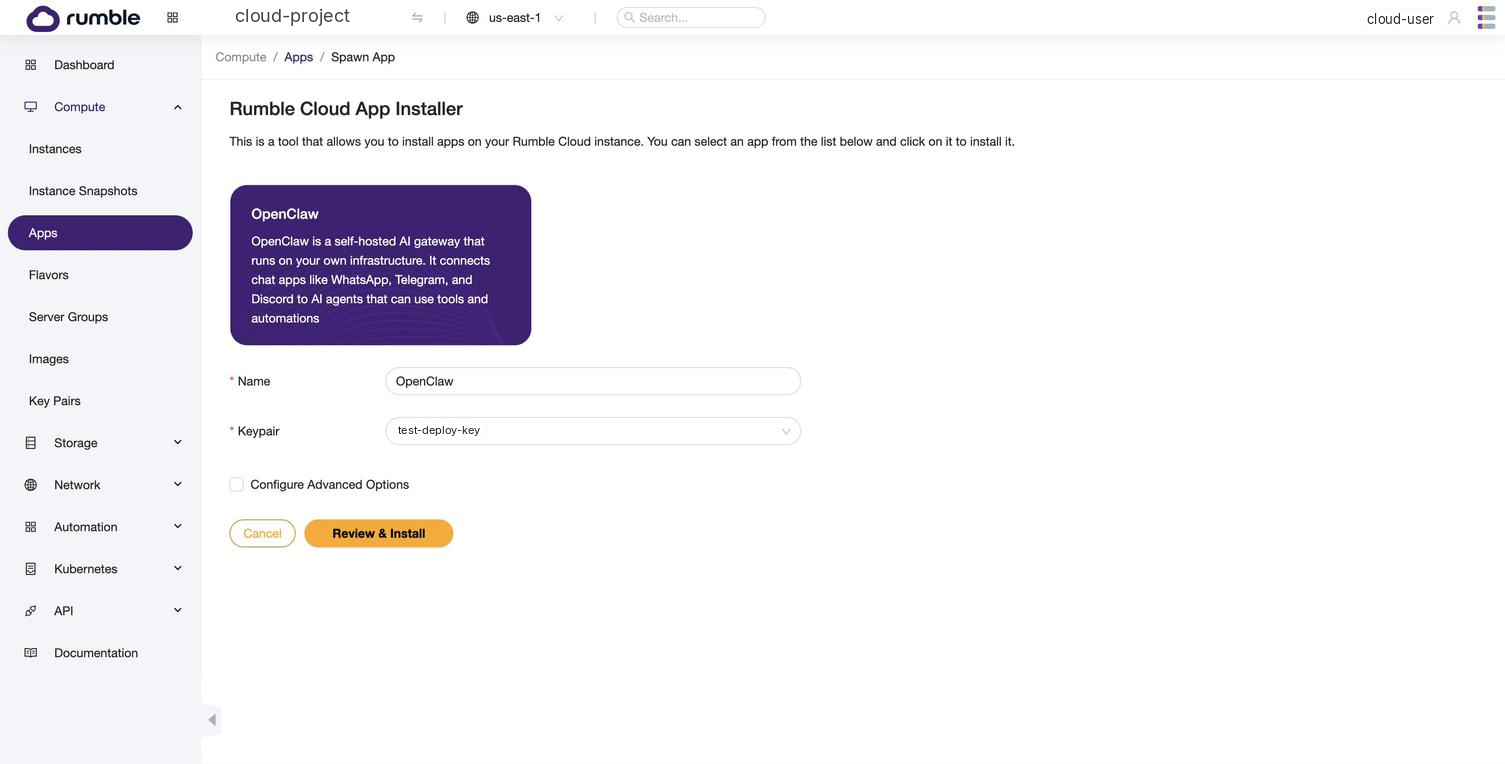
Click Spawn App to open the deployment wizard.
 Click to zoom
Configuration fields#
| Field | Required | Description |
|---|---|---|
| App | Yes | The application to deploy (currently OpenClaw) |
| Name | Yes | A display name for the instance |
| Key Pair | Yes | SSH keypair for login. If you have no keypairs, one is auto-generated |
| Configure Advanced Options | No | Checkbox that reveals flavor and disk size fields |
Advanced options#
| Field | Default | Description |
|---|---|---|
| Flavor | s1a.medium (4 shared vCPU, 4 GiB RAM) | The instance flavor to use |
| Disk Size | 25 GiB | Root disk size |
Review and install#
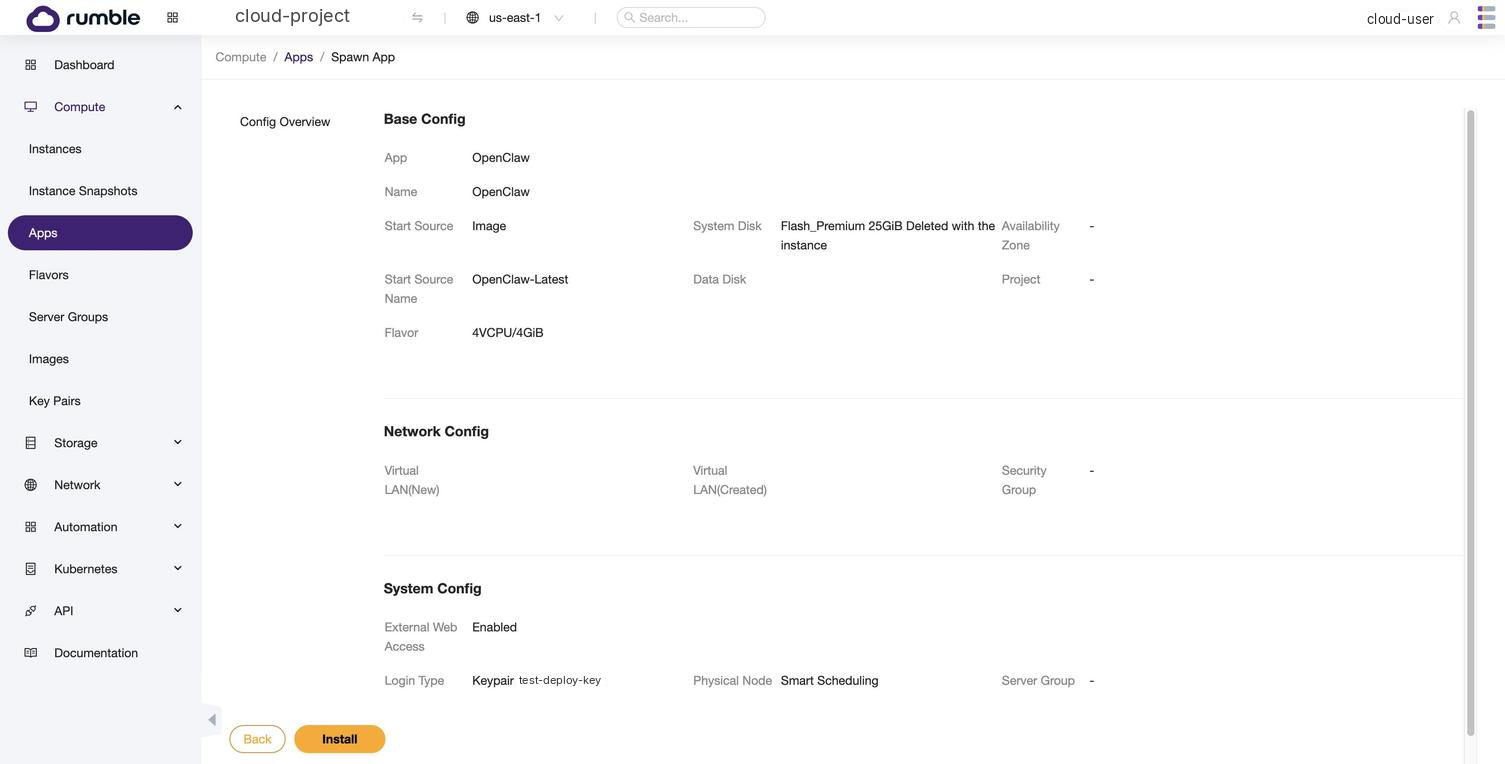
Review your selections and click Install to start provisioning.
 Click to zoom
App detail page#
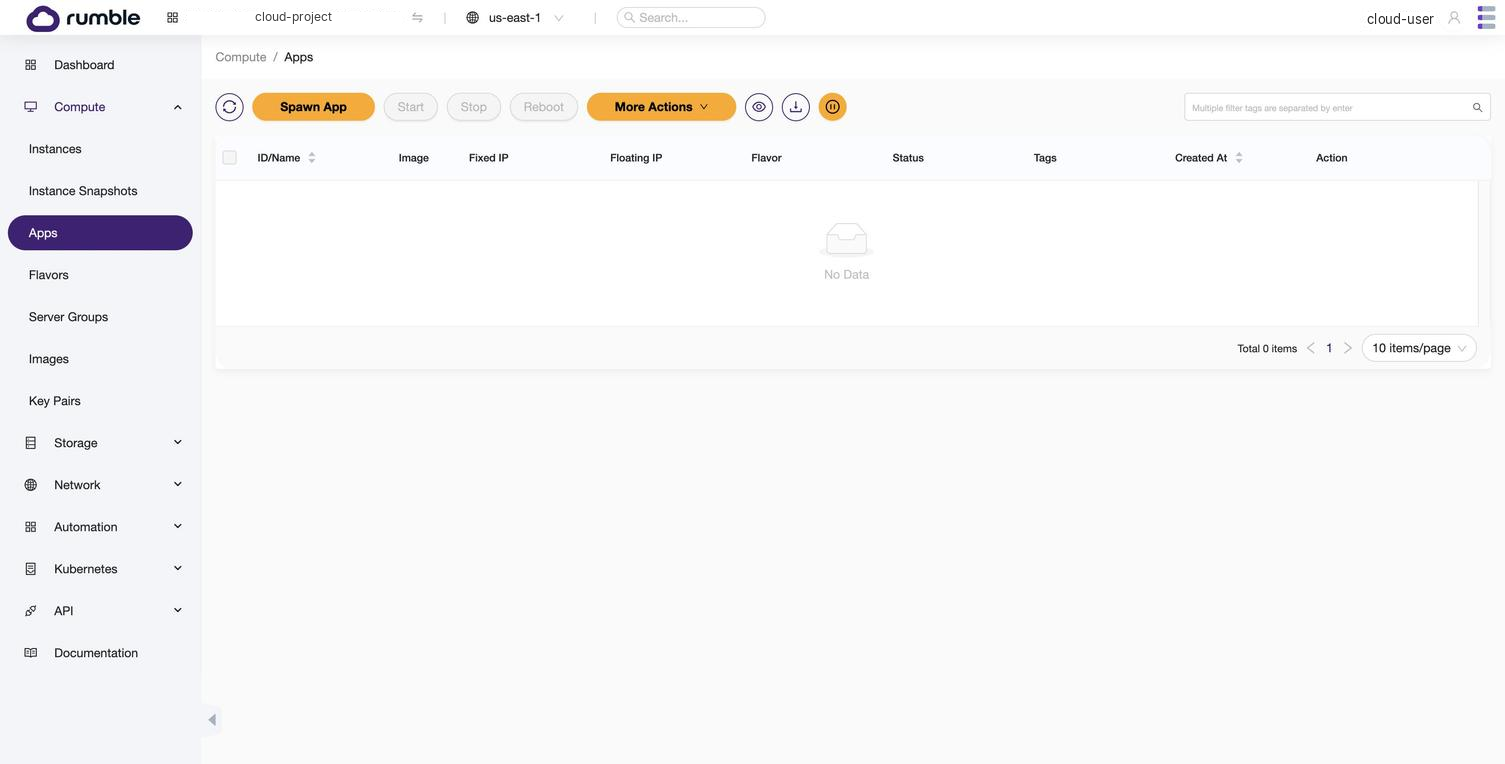
After clicking Install, the Console redirects to the app detail page.
 Click to zoom
| Field | Description |
|---|---|
| Status | Build (provisioning) or Active (ready) |
| IP Address | Floating IP assigned to the instance. Blank during provisioning. |
| Web URL | HTTPS URL for browser access (if the app supports web access) |
| Setup Instructions | Post-deploy steps (SSH command, onboarding wizard) |
Related#
- Apps concept: how Apps relates to instances and images
- Deploy OpenClaw: full deployment guide
- Instances Console: manage the underlying instance