Azure CNI or kubenet, integrates Azure Load Balancer/Application Gateway; Quake AI Kubernetes clusters use Neutron private networks and routers with CNI plugins (Flannel, Calico, Cilium).
Bring-your-own CNI supported; Quake AI tenant-isolated Neutron.
Azure-specific: Application routing add-on (nginx), no native Neutron.
VPC-native using Cilium eBPF (K8s 1.31+), Gateway API default on 1.33+; Quake AI Kubernetes clusters use CNI plugins (Flannel, Calico, Cilium) on Neutron private networks.
Direct pod-to-VPC resource routing and internal load balancers; Quake AI Kubernetes clusters expose services through Kubernetes LoadBalancer behavior and floating IPs.
Security groups provide a flexible mechanism for securing virtual machine instances by controlling the flow of network traffic. They are an essential component of network security in a cloud environment, enabling you to define and enforce security policies that meet your requirements.
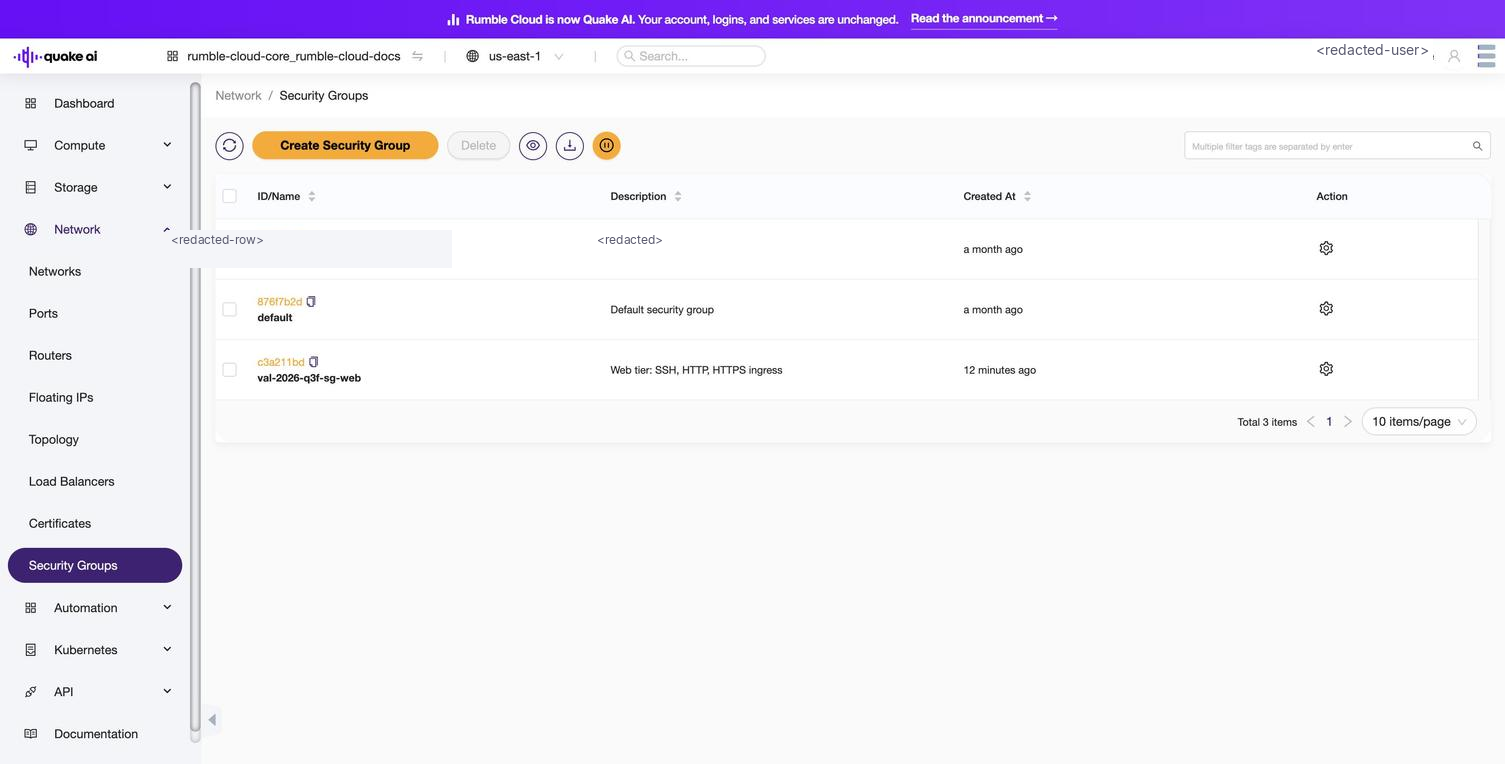
Select Network > Security Groups to view the security groups console. The list view shows all security groups in the project with their name, description, and associated rules count.
Click to zoom
Security groups list showing project security groups
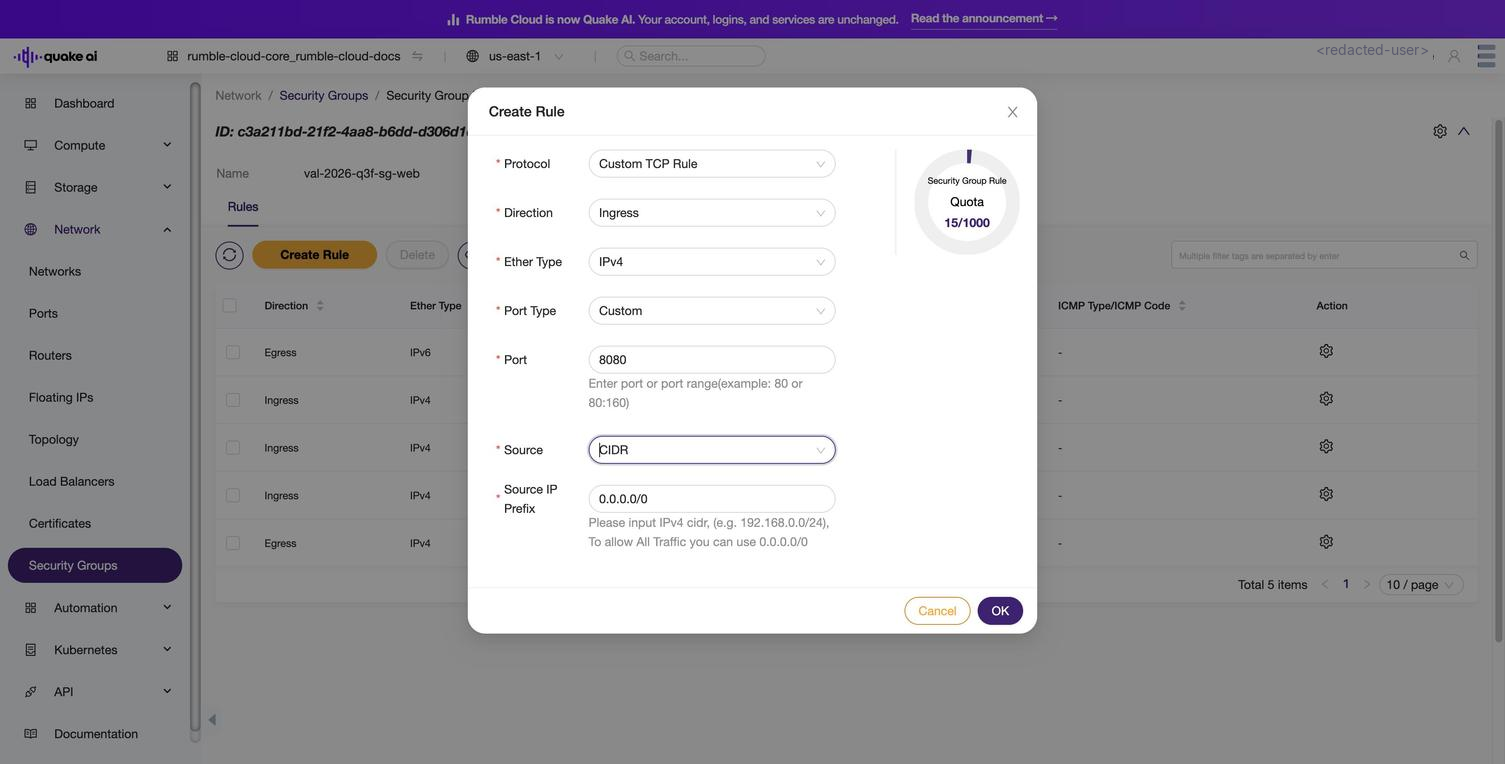
You can view, edit, and delete security groups. You add and delete rules to and from a security group. You can specify the remote source with an IP address block or a security group, and a port or port range for each rule.
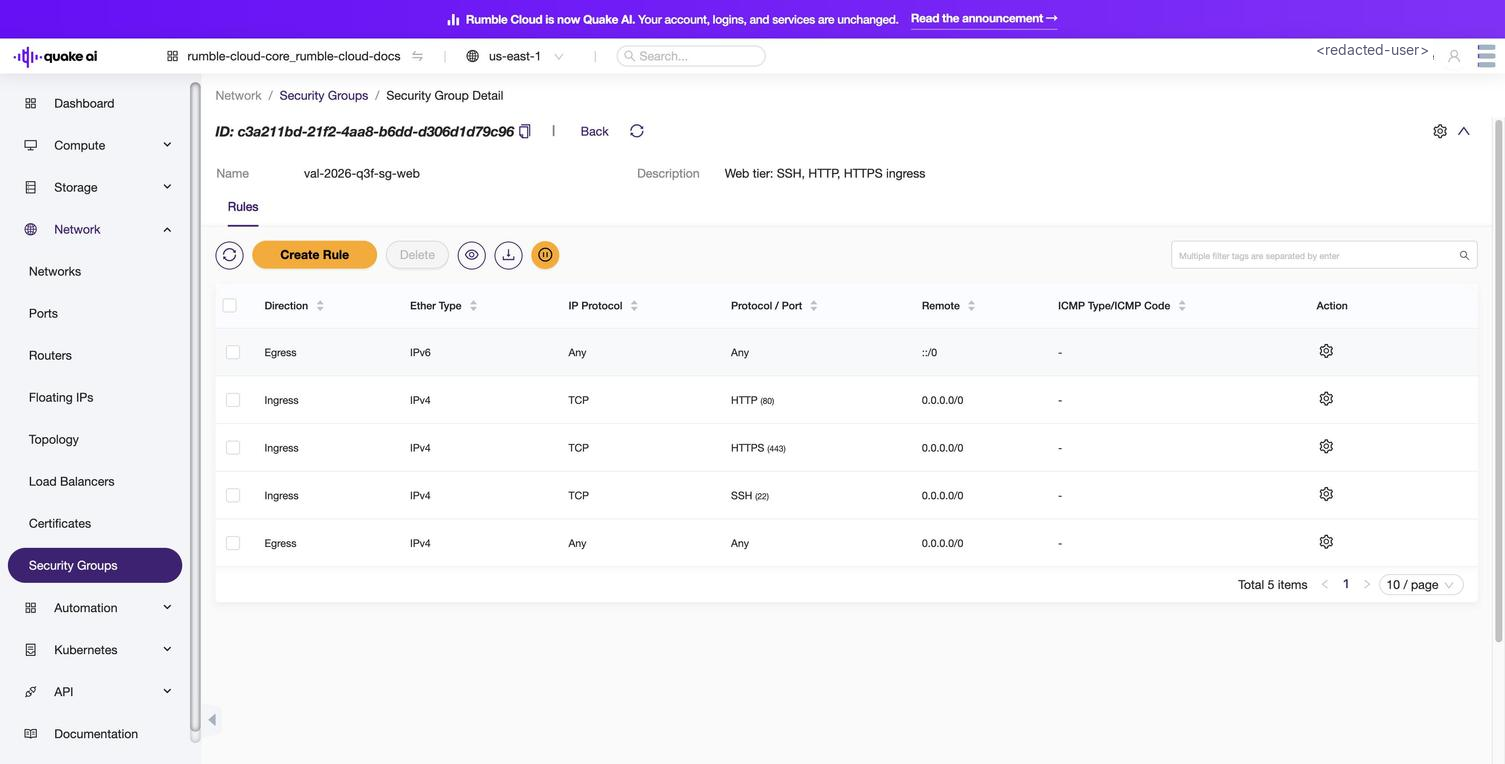
Select a security group to view its rules and configuration.
Click to zoom
Security group detail showing inbound rules for SSH and HTTP traffic
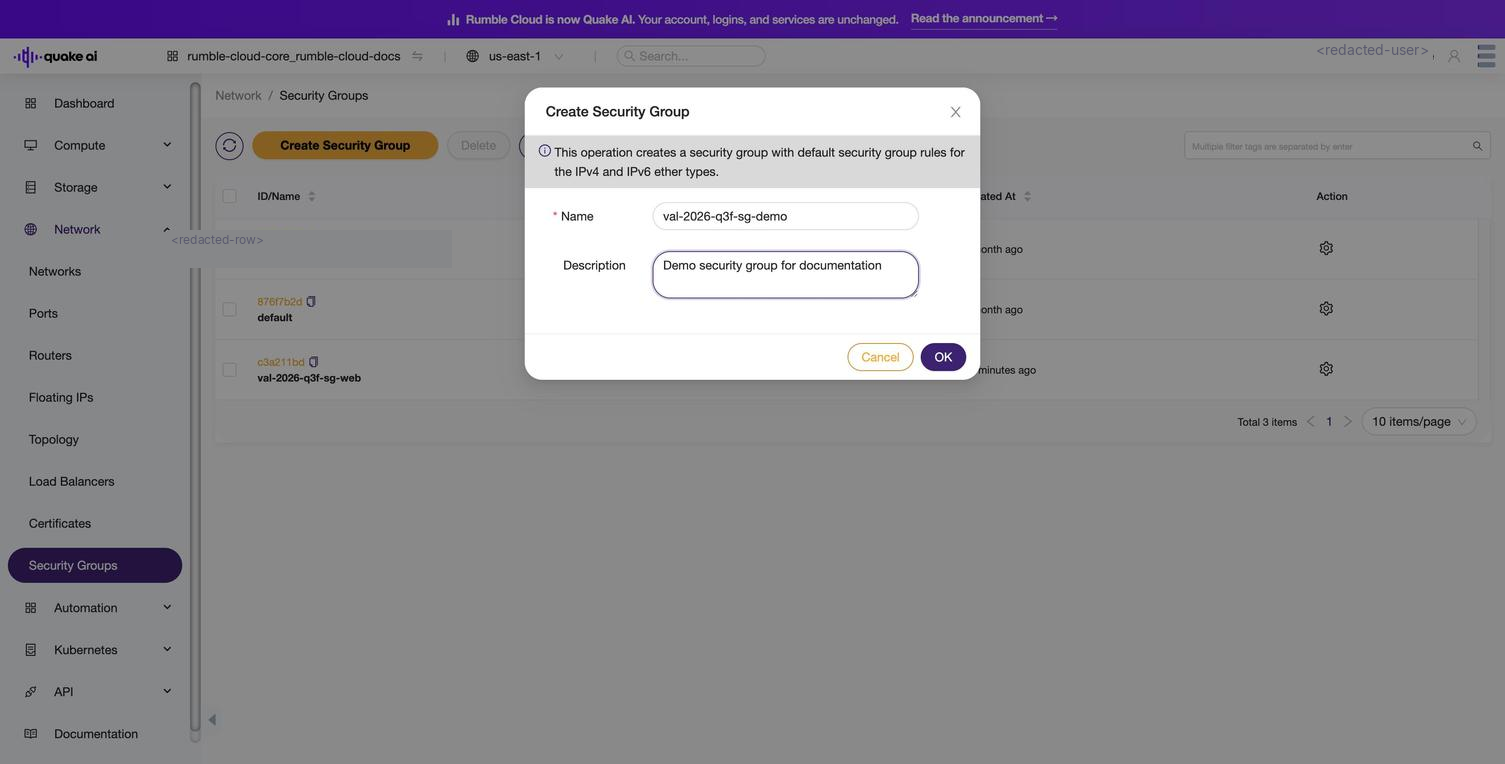
To create a new security group, select Create Security Group, provide a name and description, then add rules.
 Click to zoom
 Click to zoom
 Click to zoom
 Click to zoom